Best Hostinger Plan for Beginners on Managed WordPress
Managed WordPress Hosting for Beginners on Hostinger means the host handles server setup, platform maintenance, and security basics while you focus on pages, posts, and design. You do not SSH into a server or manually patch PHP. You install WordPress through hPanel, turn on free SSL, and publish content like any normal site owner.
The plan question has a practical default: buy Premium unless you are certain you will run only one tiny site forever, or you are launching a store that needs Business resources from week one. Single saves money on the first invoice. Premium saves upgrade friction. Business saves panic when WooCommerce or daily backups matter on day one.
Managed does not mean someone writes your blog posts or picks your plugins. It means wordpress hosting infrastructure, SSL, backups, and core platform work happen without you becoming a sysadmin. That is why absolute beginners search for managed WordPress hosting instead of raw VPS boxes.
Before checkout, answer three questions: how many sites you will run, whether the site takes payments, and whether you need a free domain bundled on your billing term. Those answers map cleanly to Single, Premium, or Business without guesswork.
When those three answers point to Premium or Business, you can launch WordPress website hosting on Hostinger from the official plans page and confirm renewal pricing on the order summary before payment.
Keep this page open while you shop so Single, Premium, and Business limits stay matched to those three answers instead of whatever tile looks cheapest first.
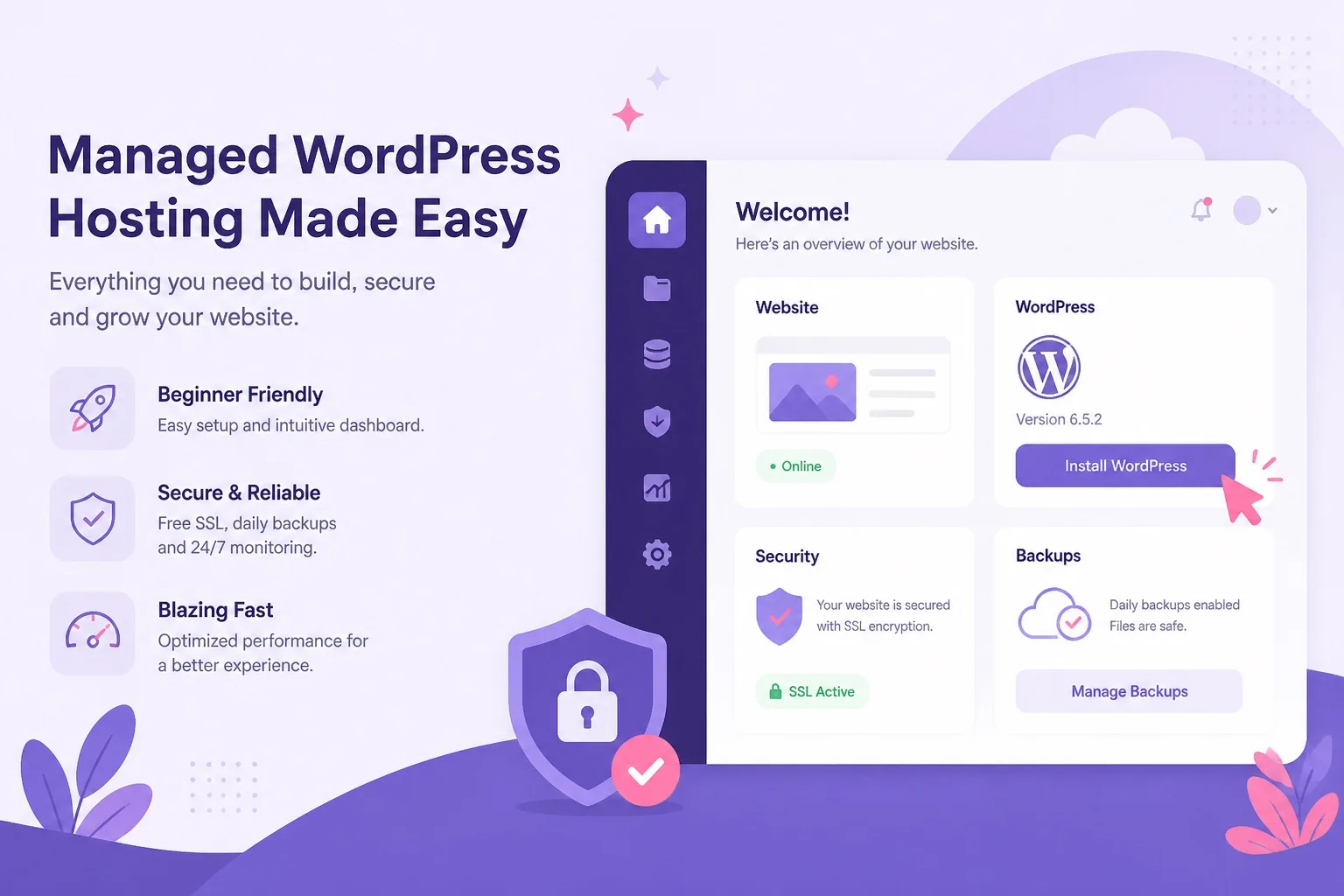
Managed WordPress hosting on Hostinger removes server setup. Premium is the default beginner buy. Business fits stores and growth.
What Managed WordPress Hosting Actually Does for You
Managed WordPress hosting on Hostinger covers the parts beginners fear most: getting WordPress files onto a server, creating the database, applying HTTPS, and keeping the platform patched. hPanel walks you through each step with buttons instead of terminal commands.
One click WordPress install is the headline feature. You pick a domain, set an admin username and password, and the installer places WordPress in the right folder with database credentials wired correctly. That alone saves hours compared to manual uploads.
Free SSL activation is part of the managed stack. Browsers expect HTTPS. Search engines treat secure pages as standard. Hostinger applies the certificate through hPanel so you are not buying SSL separately or editing config files.
Scheduled backups run on a cadence tied to your plan tier. Business typically moves toward daily backups while Single and Premium often use a less frequent schedule. Confirm the exact backup rules on the live plan page before you assume daily restores on every tier.
Security patching at the platform level reduces the risk that outdated server software breaks your site. You still update WordPress core, themes, and plugins inside wp-admin, but the host maintains the environment those tools run on.
Performance tooling like LiteSpeed cache integration and CDN options appear on eligible plans. Beginners benefit because caching is configured at the hosting layer rather than requiring a complex plugin stack on day one.
Email mailboxes, DNS management, and subdomain creation also live in hPanel. A managed account is a control center for the whole web presence, not only the WordPress dashboard.
When you want the full managed feature list side by side with plan names, open Hostinger managed WordPress hosting plans and read what Single, Premium, and Business include on your regional checkout page.
What Beginners Still Handle Themselves
Managed WordPress hosting is not a done for you website service. Hostinger does not choose your niche, write your copy, or design your homepage. Those tasks stay with you, and that is normal for every wordpress hosting tier on the market at this price point.
Plugin and theme decisions are yours. Install an SEO plugin, a contact form, and maybe a caching helper. Avoid installing fifteen plugins before you publish one page. Bloated plugin stacks slow even good hosting.
Content creation, media uploads, and menu structure happen inside WordPress. Managed hosting gives you a working install. It does not replace learning how posts, pages, and permalinks work.
WooCommerce product uploads, payment gateway setup, and tax settings remain your job when you run a store. Business tier gives more server headroom. It does not configure Stripe or PayPal for you.
Domain branding and legal pages are on you too. Privacy policy, terms of service, and cookie notices matter for business sites. The host provides the server. You provide the business logic.
Updates inside wp-admin are a shared responsibility. WordPress core, theme, and plugin updates protect your site. Managed hosting patches the platform. You patch the WordPress layer on top.
Support helps with hosting account issues, DNS, SSL, and install problems. They generally do not rebuild a broken page layout caused by a page builder experiment. Know that line before you expect unlimited design help.
Our managed WordPress hosting Hostinger guide goes deeper on what the platform manages versus what site owners still control after signup.
Hostinger Single vs Premium vs Business for First Sites
Hostinger Single vs Premium vs Business is the plan fork every managed WordPress hosting beginner faces at checkout. All three tiers run WordPress with free SSL and one click install. The differences are site count, resource headroom, backup depth, and extras like free domain eligibility.
Single hosts one website on entry level resources. It fits a personal blog, a hobby project, or a single landing page when the budget is tight and you are certain you will not add a second domain this year.
Premium is the default recommendation for managed WordPress hosting beginners on this site. It typically allows multiple websites, better limits than Single, and free domain eligibility on qualifying annual terms in many regions.
Business adds more CPU and RAM, stronger backup options, and better fit for WooCommerce or plugin heavy sites. It costs more at checkout and renewal, but prevents early upgrade pain when a store or traffic spike arrives during month one.
Compare wordpress hosting pricing on the live checkout page for your country. Promo rates and included extras change by region and billing length. Never trust a blog screenshot as the final price.
| Factor | Single | Best for most Premium | Business |
|---|---|---|---|
| Websites allowed | One website | Multiple websites | Multiple websites |
| Managed WordPress install | Included | Included | Included |
| Free SSL | Included | Included | Included |
| Free domain eligibility | Limited or none on many terms | Often on qualifying annual terms | Often on qualifying annual terms |
| Beginner blog fit | Good for one tiny blog | Best default | Good but often more than needed |
| WooCommerce at launch | Not recommended | Small catalogs only | Recommended |
| Backup cadence | Basic scheduled backups | Basic scheduled backups | Stronger daily backup focus |
| Upgrade pressure | High if second site appears | Low for first year | Low for stores and growth |
Confirm live features on Hostinger checkout. Plan names and included extras can vary by region and promo period.
New buyers can compare Hostinger WordPress hosting plans on the official page and match Single, Premium, or Business to the site types listed above.
Why Premium Is the Default Beginner Buy
Premium wins most managed WordPress hosting for beginners decisions because it balances price, flexibility, and managed features without Business tier cost on day one. You get multiple website slots, free SSL, and room for common plugins on blogs and small business pages.
Single looks cheaper on the promo line, but Premium often includes free domain eligibility on qualifying annual terms that Single may lack. When you add domain cost and a likely upgrade later, Premium frequently costs less hassle over twelve months.
Multiple website support matters more than beginners expect. You might launch a main blog plus a small project site, a client test domain, or a staging copy. Premium handles that without an immediate plan change.
Resource headroom on Premium supports lightweight SEO plugins, contact forms, security tools, and caching helpers without hitting limits on a five page brochure site. Single can run the same stack on a tiny site, but meters tighten faster.
Premium is also the safer bet when you are still deciding site type. You can start as a blog, add a services page, then experiment with a small shop plugin later. You upgrade to Business when metrics prove you need it, not because Single blocked a second domain.
When Premium is the clear fit, choose Hostinger Premium WordPress hosting on a billing length you can afford, then confirm free domain eligibility and renewal price on the same order summary.
When Beginners Should Choose Business Instead
Hostinger Business is not only for large companies. Beginners should choose Business when the site earns money, runs WooCommerce, or needs daily backups without relying on third party plugins alone from launch week.
A local shop taking online orders, a creator selling digital downloads, or a service business with booking plugins all push WordPress harder than a text blog. Business tier CPU and RAM handle those workloads more safely than entry tiers.
Traffic spikes are another signal. If you expect press coverage, a viral post, or ad campaigns that send hundreds of concurrent visitors, Business gives more headroom than Premium on shared style resources.
Backup cadence matters when you cannot afford to rebuild pages from scratch. Business plans typically improve backup frequency and restore options compared with Single and Premium. Confirm exact backup rules on the live plan comparison before you buy.
Beginners sometimes jump to Business out of fear. That is okay when the site is a store from day one. It is overspend when the site is a three page brochure with no checkout. Match tier to workload, not anxiety.
If WooCommerce is part of your launch plan, open Hostinger Business WordPress hosting on the live plan page and compare resource notes side by side with Premium before you default to the cheaper tier.
For a deeper Premium vs Business walkthrough with renewal notes, see our Hostinger Premium vs Business comparison before you lock a tier.
The plan comparison image below shows how Single, Premium, and Business stack for first managed sites. Use it alongside the live checkout page when you finalize tier choice.
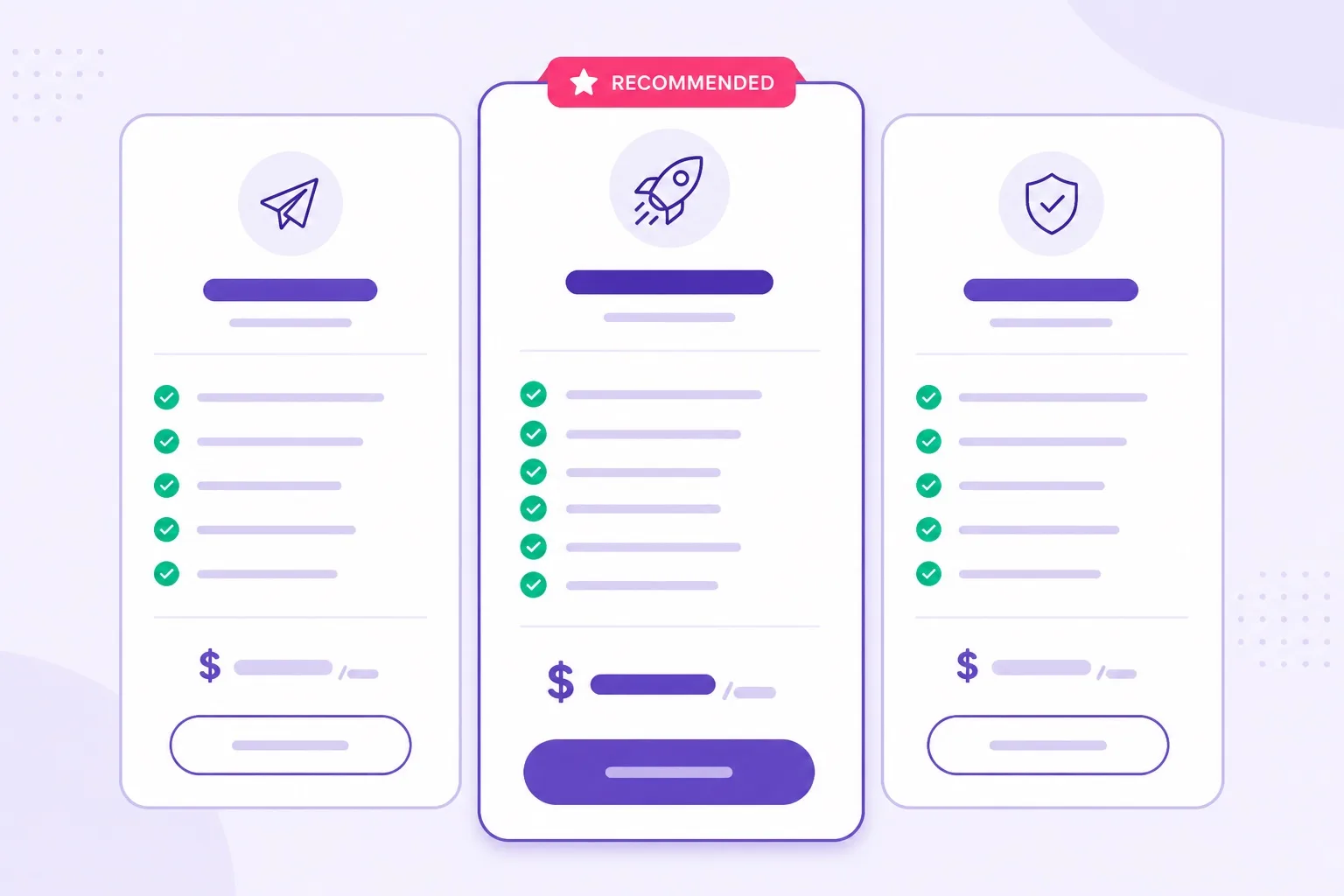
Premium wins most first managed sites. Business wins stores, daily backups, and heavier traffic from day one.
Free Domain, Free SSL, and First Week Setup
Free SSL is standard on Hostinger managed WordPress hosting across Single, Premium, and Business. HTTPS should be active before you share the site publicly. Browsers flag non SSL sites, and search engines expect secure pages on every tier.
Free domain is trickier. Eligibility often ties to Premium or Business on qualifying annual billing, not every plan length. Single buyers may need to purchase a domain separately or transfer one they already own.
Read the order summary line by line. Marketing pages say free domain loudly. Checkout shows whether your term and country actually qualify today.
Your first week setup path should follow a fixed order: complete purchase, connect or register the domain, run the WordPress installer, verify SSL, delete sample content, pick a lightweight theme, then add essential plugins one at a time.
Do not install a heavy page builder, a security suite, and a backup plugin before you publish a homepage. Managed hosting already covers backups and platform security basics. Add tools when you feel a real gap.
Email hosting can live in the same Hostinger account as WordPress. Business sites often want name@yourdomain.com inboxes. Check mailbox count and storage on the plan details page so you do not assume unlimited email without proof.
Domain privacy, DNS management, and subdomain creation all happen in hPanel. Beginners connect the domain during onboarding or point nameservers if the domain lives at another registrar.
When free SSL and domain extras are your main drivers, buy Hostinger WordPress hosting on Premium or Business and verify eligibility lines on checkout before you pay.
If you want a step by step install walkthrough with plan notes, read our how to install WordPress on Hostinger guide after you pick Single, Premium, or Business.
Step-by-Step: Buy and Launch on Hostinger
Buying and launching managed WordPress hosting on Hostinger follows a repeatable path. These steps assume Premium as the default, but Single and Business use the same hPanel flow with different resource limits behind the scenes.
- Open Hostinger WordPress hosting and select Premium unless Single or Business clearly fits your scenario
- Pick billing length and confirm intro price plus renewal price on the order summary
- Create your Hostinger account and complete payment
- Register or connect your domain during onboarding
- Enter hPanel and open the Websites or WordPress section
- Run the Auto Installer or WordPress installer for your domain
- Set site title, admin username, and a strong password
- Wait for install completion, then enable or verify free SSL
- Log in at yourdomain.com/wp-admin and delete default sample content
- Install a lightweight theme, essential plugins, and your first pages
- Test a backup restore once while the site is still small
- Share the live URL only after SSL shows the padlock in the browser
The managed WordPress hosting value shows up between steps five and eight. You never upload files through FTP or create a MySQL database manually unless you choose to. hPanel handles that layer.
hPanel also offers staging on eligible plans and backup tools depending on tier. Explore those panels early so restores are familiar before an update breaks a plugin.
Ready to run the installer? Start checkout from the buy WordPress hosting on Hostinger page and keep this tab open for reference during setup.
After payment clears, return to this checklist and finish domain connection, WordPress install, SSL activation, and your first theme choice before you add plugins. That order keeps beginner setup clean and avoids unfinished installs sitting on an empty domain.
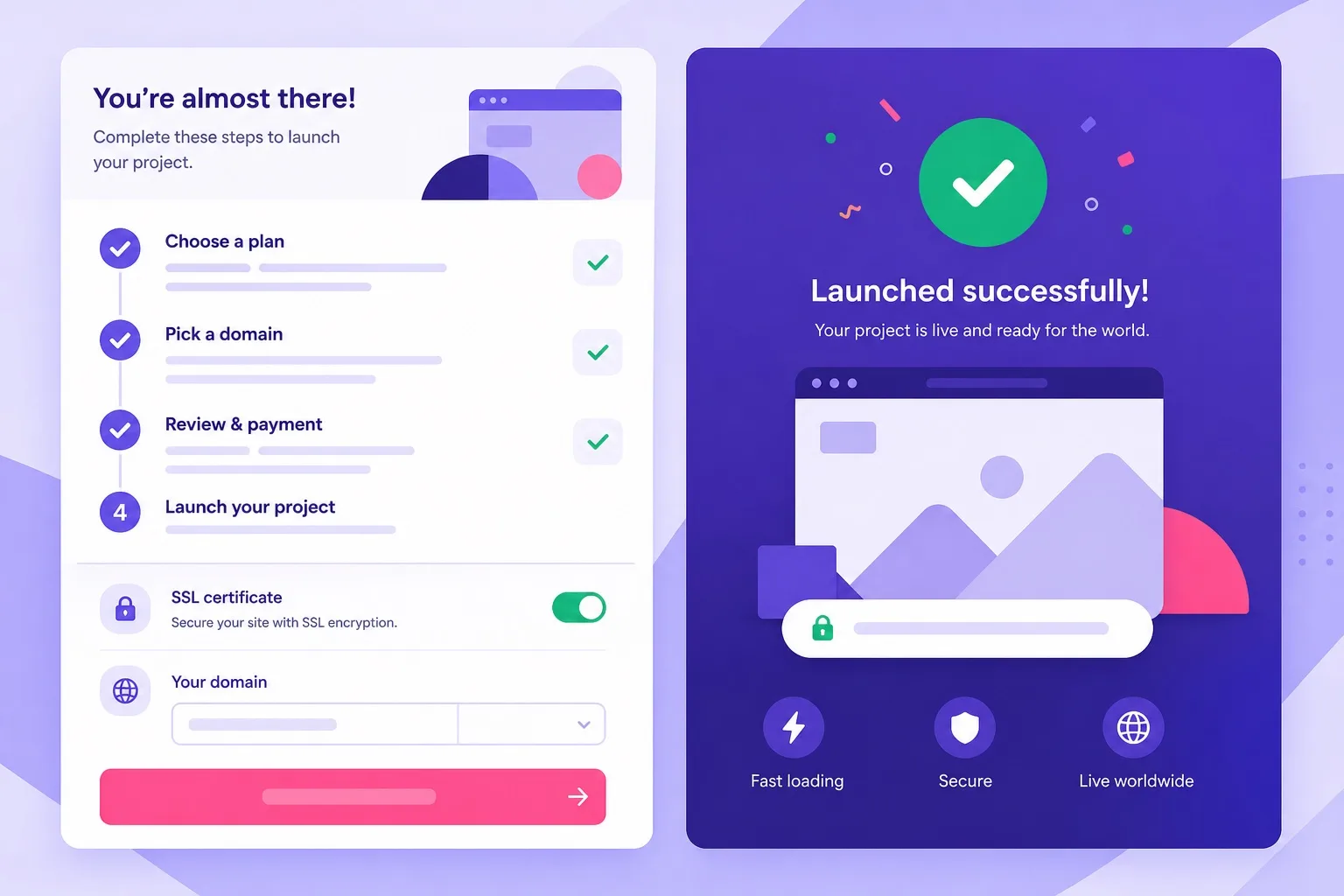
Most managed WordPress installs finish in minutes. SSL and domain connection are the steps beginners should not skip.
Mistakes Beginners Make Buying Managed Hosting
Buying Single to save a few dollars, then needing a second site three months later, is the most common Hostinger mistake. The upgrade path works, but you would have saved time starting on Premium with managed multi site support already included.
Ignoring renewal price is the second mistake. Promo wordpress hosting pricing looks excellent until year two. Treat renewal as part of the real cost, not a footnote on the marketing page.
Choosing Business for a personal blog with no store and no traffic plan is overspend. You pay for headroom you may not use. Premium already covers managed wordpress hosting for blog projects with normal traffic.
Assuming managed means zero maintenance inside WordPress is another trap. You still update plugins and themes. The host manages the server. You manage the site layer on top.
Skipping backup planning hurts when a plugin update whitescreens the site. Know what your tier includes and test a restore once while the site is still small.
Installing ten plugins before publishing one page slows every tier. Beginners blame hosting when the plugin stack is the real problem. Start lean, measure speed, then add tools one at a time.
Picking monthly billing without reading total year cost can also backfire. Longer terms often carry better promo math, but only choose them when you trust the tier choice for the full period.
Another mistake is buying before you know whether the domain is available. Search your domain first, then checkout, so you do not rush into the wrong billing term just to grab a name impulsively.
When you are ready to fix a past mistake or buy correctly the first time, open Hostinger Premium plan checkout and confirm renewal pricing before you complete payment.
Who Should Buy Managed Hostinger Plans Now
Buy Single if you will run one small managed WordPress site, you accept tighter resources, and you do not need free domain extras on your term. This is the narrow beginner case for cheap wordpress hosting on a single project.
Buy Premium if you want the best wordpress hosting default for managed beginners: multiple sites, free SSL, stronger limits than Single, and free domain eligibility on qualifying annual terms. Most readers should stop here and purchase.
That is the moment to get Hostinger WordPress hosting Premium while promo pricing is live, then finish the checkout checklist before you pay.
Buy Business if WooCommerce, daily backups, or traffic spikes are part of launch week, not a distant maybe. Stores and monetized sites belong here more often than hobby blogs.
Buy Premium now and upgrade later if you are unsure but not launching a store. Hostinger plan upgrades inside hPanel are straightforward when metrics prove you outgrew the tier.
First time buyers comparing managed hosting to generic shared hosting should read our WordPress hosting for beginners which Hostinger plan guide for a plan first angle before you return here for the managed feature layer.
Who Should Wait or Choose Differently
Wait on managed WordPress hosting if you only need a static HTML page with no blog and no plugin plans. A simple website builder or basic web hosting might cost less for a single landing page with no WordPress dashboard.
Choose differently if you need root access, custom server software, or a dedicated IP for compliance reasons Hostinger shared style plans do not provide. VPS or cloud hosting fits that profile, not beginner managed WordPress tiers.
Skip Hostinger if you require hands on developer support for custom application code beyond WordPress. Managed WordPress hosting targets site owners, not agencies running bespoke PHP applications on every account.
Wait if you have not chosen a domain name or site purpose yet. Hosting accounts are easy to buy. Clarity on site type saves more money than any promo code because you pick the right tier once.
Consider waiting on Business if your store launch is six months away and your current project is a content blog. Premium handles the blog phase. Upgrade when WooCommerce checkout goes live.
If you are still comparing brands before you commit, visit our best WordPress hosting homepage for wider context, then return here to choose Hostinger Premium or Business with confidence.
Pricing and Renewal Reality for Beginners
WordPress hosting pricing on Hostinger is loud at the promo stage and quieter at renewal. Beginners often compare only the first month or first year promo and miss the renewal line on the order summary.
Write down three numbers before you buy: intro price for your chosen term, renewal price for the same term, and total cost if you stay two years. That simple habit prevents surprise emails when year two bills arrive.
Single shows the lowest intro rate. Premium costs more but often includes extras like free domain eligibility that Single may lack. Business costs the most upfront and at renewal, but can be cheaper than upgrading twice from Single to Premium to Business.
Longer terms usually improve the monthly promo math. They also lock you in longer if you picked the wrong tier. Premium on a one year term is a sane default for beginners who still expect to learn and maybe pivot site type.
Regional taxes, currency, and payment method fees can shift the final total. Always use the checkout page tied to your billing country, not a blog example from another market.
Managed WordPress hosting renews like any other plan. There is no permanent promo lock. The renewal figure is visible on checkout before you pay. Screenshot it for your records.
Compare live tiers on the Hostinger WordPress hosting pricing page and save the renewal row before payment.
Write promo and renewal numbers next to your chosen plan name so year two cost stays visible when the first term ends.
After checkout, bookmark the wordpress hosting blog section for tier comparisons and setup guides as your managed site grows beyond week one.
Managed WordPress Hosting for Beginners FAQ
These FAQ answers match the beginner managed hosting path on this page. Skim the questions that sound like your situation before you finalize a Hostinger plan.
What does managed WordPress hosting mean for beginners on Hostinger?
Managed WordPress hosting on Hostinger means the platform handles server setup, core maintenance, security patching, free SSL activation, scheduled backups, and one click WordPress install through hPanel. You still choose themes, plugins, and content. It is managed compared to raw VPS hosting, though not the same as boutique white glove managed WordPress services.
Which Hostinger plan is best for managed WordPress hosting beginners?
Hostinger Premium is the best default for managed WordPress hosting beginners. It supports multiple websites, includes free SSL, and often unlocks free domain eligibility on qualifying annual terms. Single fits one tiny site on a tight budget. Business fits WooCommerce stores, daily backup needs, and heavier traffic from launch week. Confirm the live WordPress hosting plans cards before you buy.
Is Hostinger Single enough for a first managed WordPress site?
Yes for exactly one small site with modest traffic and no store. Single includes the same managed WordPress tools as higher tiers but limits you to one website and tighter resources. Most beginners outgrow Single when they want a second project or free domain extras on annual billing.
When should a beginner choose Hostinger Business over Premium?
Choose Business when you launch WooCommerce, need daily backups, expect traffic spikes, or run plugin heavy business sites from day one. Premium is enough for blogs, portfolios, and brochure sites. Business adds more CPU, RAM, and backup depth for sites that earn money or handle orders.
Does managed WordPress hosting on Hostinger include free SSL?
Yes. Free SSL is included on Single, Premium, and Business managed WordPress hosting plans. HTTPS activates through hPanel after install. You do not need a separate certificate purchase for a standard WordPress site on any of the three tiers.
Do beginners get a free domain on Hostinger managed WordPress hosting?
Free domain eligibility usually applies on qualifying annual Premium or Business terms, not on every billing length or on Single in all regions. Confirm free domain status on the live checkout order summary before you pay. Managed hosting does not automatically include a domain on every plan selection.
How do beginners set up managed WordPress on Hostinger after purchase?
After purchase, open hPanel, go to Websites, run the WordPress Auto Installer, connect or register your domain, set admin login details, and wait for install completion. Verify free SSL is active, log in at yourdomain.com/wp-admin, delete sample content, and install a lightweight theme before adding plugins.
Do Hostinger managed WordPress promo prices stay the same at renewal?
No. Intro promo rates on managed WordPress hosting renew at standard pricing shown on the checkout order summary. Write down both the first term price and renewal price for the same billing length before you buy so year two cost is never a surprise.
Can beginners upgrade from Premium to Business later on Hostinger?
Yes. Hostinger lets you upgrade managed WordPress hosting plans inside hPanel when traffic, store load, or backup needs grow. Many beginners start on Premium and move to Business when WooCommerce or daily backup requirements appear after the site is live.
Final Verdict: Managed Hostinger Plan for Your First Site
Managed WordPress hosting for beginners on Hostinger has a clear winner for most people: Premium. It balances managed features, multi site flexibility, free SSL, and free domain eligibility on qualifying annual terms without forcing Business tier cost on day one.
Single remains valid for one tiny site and the tightest budget when you accept one website limit and fewer extras. Business is the right call when the site launches as a store, needs daily backups, or expects real traffic spikes from week one.
Managed hosting removes server setup fear. It does not remove WordPress learning. Expect to spend your first week on themes, pages, and a small plugin set while the host keeps SSL and platform maintenance running in the background.
Confirm intro and renewal pricing on the live checkout page every time. Promo numbers change, and regional extras differ. A two minute check beats a two year regret.
When you are ready to publish, compare tiers and buy Hostinger Premium WordPress hosting as your default managed beginner plan. Upgrade to Business if your checkout checklist pointed to WooCommerce or backup needs from the start.