Hostinger Premium vs Business
Hostinger Premium vs Business is the plan choice most buyers face right before checkout. Choose the Hostinger Premium plan if you are launching your first WordPress site, a portfolio, or a small business page and want free domain and email eligibility without paying for storage and backup headroom you are not using yet. Choose the Hostinger Business plan if your site already has real traffic, a growing media library, an early WooCommerce store, or several client sites where daily backups meaningfully lower your risk.
Both plans sit inside the same wordpress hosting lineup, both include free SSL, and both allow multiple websites on one account, so the decision is less about missing features and more about how much resource headroom and backup frequency your specific project actually needs right now.
This guide walks through what each plan includes, a direct side by side comparison, pricing and promo behavior, and the mistakes that lead buyers to pick the wrong tier. By the end you should be able to buy WordPress hosting with a clear reason for your choice instead of guessing based on a discount badge.
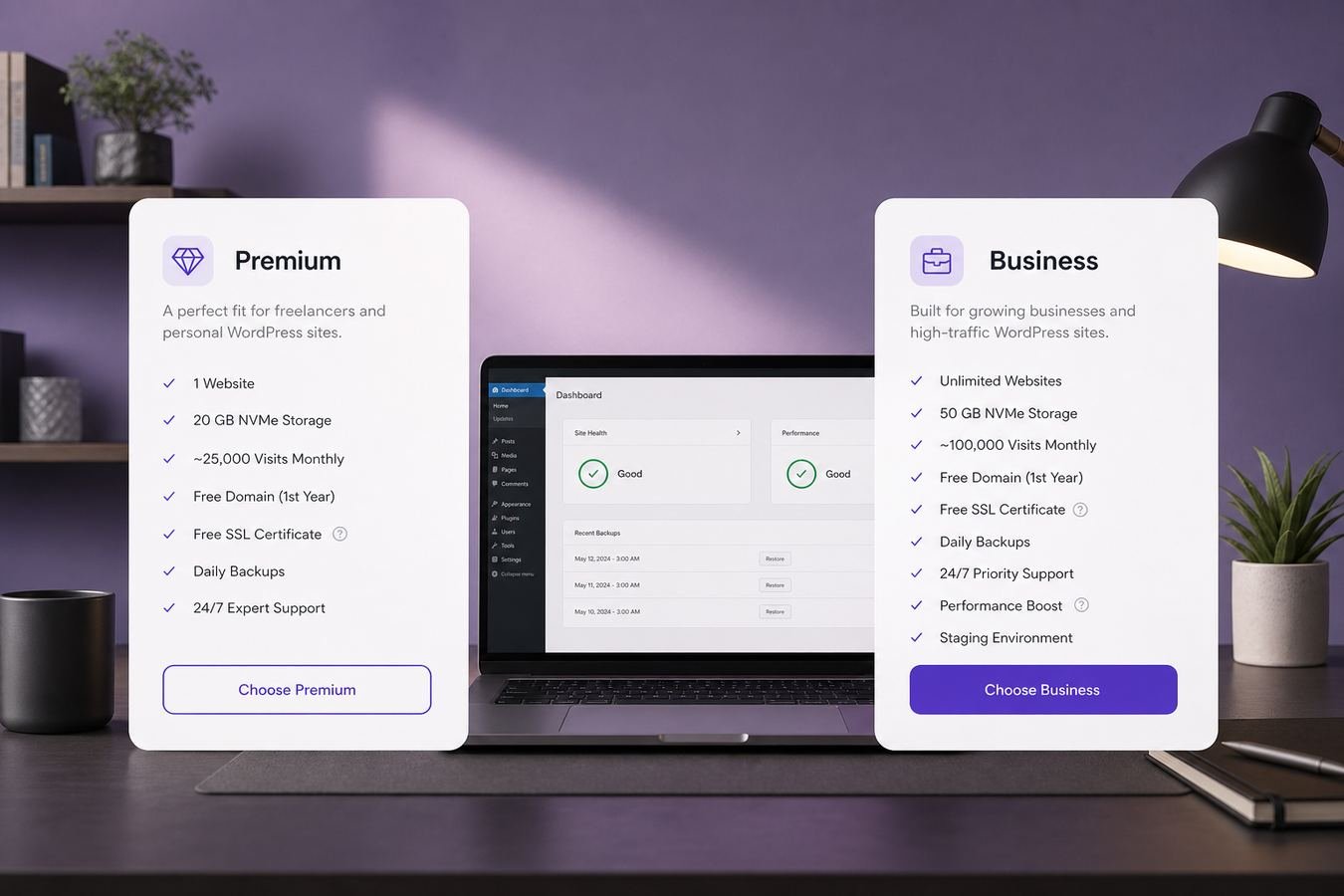
Premium and Business share the same core WordPress hosting foundation, but resource headroom and backups set them apart.
Who this WordPress hosting plan comparison is for
This comparison is written for people who have already decided Hostinger is a reasonable fit and are now stuck between two specific tiers rather than comparing every host on the market. If you have not made that first decision yet, our full Hostinger WordPress hosting review covers the broader feature set, setup process, and how it stacks up against other providers.
You are in the right place if you are a beginner deciding between a lower entry price and a bit more headroom, a freelancer weighing whether client sites need daily backups, or a small business owner whose site has outgrown a starter plan but is not sure Business is actually necessary yet. You are also in the right place if you already own a Single plan and are trying to decide which upgrade path fits your project better.
This is not a comparison against Single, and it is not a comparison against a different hosting company. It assumes you are choosing between Hostinger's own Premium and Business tiers and want a clear, specific answer rather than a generic feature list that applies to any hosting decision.
One more note before diving in: plan names, included storage, and bundled extras can be updated by Hostinger over time. Treat the specifics below as an accurate current snapshot and directional guide, and always confirm the live details on the plan page before you buy WordPress hosting.
What Hostinger Premium plan includes
The Hostinger Premium plan is built as a comfortable step up from the entry level Single tier. It typically supports up to 100 websites on one account, which is more than most single site owners will ever use but genuinely useful if you plan to add a second project, a landing page, or a demo site later without buying separate hosting.
Premium generally includes a free domain for the first year on eligible annual terms, professional email under your own domain, free SSL across every site you host, and weekly automatic backups. Storage and bandwidth allowances are set at a level that comfortably supports a blog, portfolio, or small business site with a normal amount of images and pages.
It also includes the same one click WordPress installation and hPanel dashboard experience as the rest of the lineup, so setup speed is not a tradeoff you make for choosing the lower priced tier. Caching and CDN options remain available, which keeps page loads reasonably quick for visitors outside your primary server region.
Where Premium draws a line is resource ceiling and backup frequency. It is sized for steady, moderate traffic rather than heavy daily spikes, and weekly backups are a solid safety net for a content site but a thinner one for a store processing orders every day. Those two factors are the main reasons some buyers move up to Business instead.
What Hostinger Business plan includes
The Hostinger Business plan keeps the same website count allowance as Premium, up to 100 sites, but raises the ceiling on storage and resource capacity, and moves backup frequency from weekly to daily. That daily cadence is the single biggest practical upgrade, since it shrinks the window of potential data loss from up to a week down to about a day.
Business also includes free SSL, free domain eligibility on qualifying annual terms, and professional email, matching Premium on those fronts. The real difference shows up under load: more storage headroom for media heavy sites, more consistent performance for sites with steadier traffic, and infrastructure sized for people running an early WooCommerce store or several active client sites at once.
Some Business tier configurations also bundle additional security tooling or performance features depending on current plan structure, so it is worth reading the live feature list on the order page rather than assuming Business is simply Premium with a bigger number attached. The core value proposition, though, remains storage headroom plus daily backups.
Business is not aimed at total beginners with a brand new, low traffic site. It is aimed at sites that already have some traction, a real content or product library, or a lower risk tolerance for losing more than a day's worth of changes if something goes wrong.
Hostinger Premium vs Business side by side
Numbers are easier to compare in one place, so here is a direct side by side breakdown of how Premium and Business typically differ once you strip away marketing language and look at what each plan is actually built for.
| Feature | Premium | More headroom Business |
|---|---|---|
| Websites supported | Up to 100 websites | Up to 100 websites |
| Free domain eligible | Yes on eligible annual terms | Yes on eligible annual terms |
| Professional email | Included | Included |
| Backup frequency | Weekly | Daily |
| Storage and resources | Comfortable for moderate traffic | Higher headroom for growth |
| Best for | Beginners, blogs, portfolios | Stores, agencies, busier sites |
| Overall value | Strongest for most first sites | Worth it once traffic grows |
Exact storage figures and included extras can change. Confirm current specifications on the live Hostinger plan page before you buy.
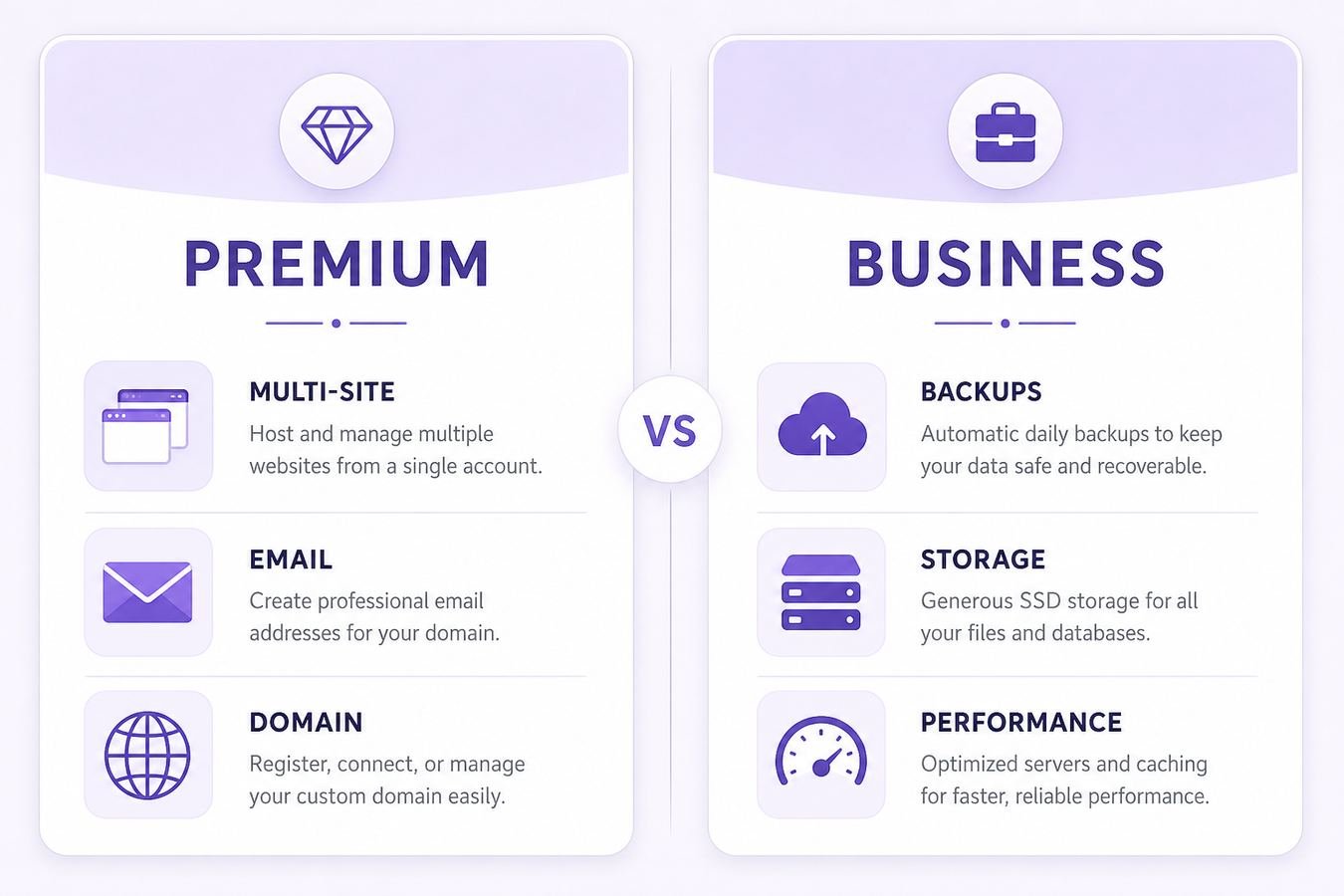
A side by side look at where Premium and Business genuinely differ once the marketing language is stripped away.
The pattern worth remembering is simple. Premium and Business are close on included extras like domain, email, and SSL, and the real gap is capacity and backup frequency. That means the decision is less about missing a feature entirely and more about how much of that extra capacity your specific site will actually put to use.
Price and promo value when you buy WordPress hosting
Pricing on both plans follows the same structure common across the hosting industry. A lower headline rate is tied to longer billing terms, and that discounted intro rate applies only to your first term, not indefinitely. Business carries a higher base price than Premium at every matching term length, which is expected given the extra storage and daily backup coverage it includes.
When you compare promo value rather than raw price, look at the percentage discount alongside what each plan actually bundles. A slightly smaller discount on Business can still be the better overall deal if your site genuinely needs the extra headroom, since paying for capacity you use is different from paying for a bigger discount badge on capacity you do not.
The renewal price is the number that matters most after your first term ends. Both plans renew at a standard rate higher than the discounted intro price, and the exact figure is always shown on the checkout order summary before you pay. Note that number, or screenshot it, so you are not caught off guard when your renewal date arrives.
If you want to see how current promo pricing and checkout mechanics work in more detail before you buy WordPress hosting, our guide to Hostinger coupon and discount codes breaks down how the discount is applied and what to check before finishing payment.
A practical rule for term length: pick the shortest term you are comfortable with if you are still validating whether your project will stick around, and reserve the longest terms for a site or business you already know you are committed to running for years. The discount depth is real, but it should never be the only reason you pick a longer commitment than you actually want.
Once you have picked a term you are comfortable with, the fastest way to buy WordPress hosting at the current promo rate is to open the plan page directly and review the order summary before entering payment details.
Free SSL, free domain, and extras that change the choice
Free SSL is included on both Premium and Business, so HTTPS is not a factor in this specific decision, it is a baseline both plans share. Where things get more interesting is free domain and email eligibility, which are also shared between the two tiers on qualifying annual terms rather than being a Business exclusive perk.
Because those extras overlap, the deciding factors really are storage headroom and backup cadence. If your site publishes frequently, uploads a lot of images or video, or handles order data, daily backups on Business meaningfully reduce how much work you could lose in a worst case scenario compared to a weekly cycle on Premium.
Security tooling like malware scanning and a firewall is generally present across both tiers as part of the broader WordPress hosting lineup, so it rarely tips the decision on its own. The extras that actually change the outcome are the ones tied to capacity: how much storage you have room for, how much traffic the plan is sized to absorb comfortably, and how often your data gets backed up automatically.
A useful mental checklist before you decide: if free domain and email matter to your budget but your site is genuinely small and new, Premium delivers those extras without asking you to pay for headroom you are not using yet. If your site already outgrew that description, the same extras exist on Business, plus the capacity to match.
Best plan for beginners and small sites
For most beginners, Premium is the more sensible starting point. It is priced closer to the entry level Single plan than to Business, while still bundling free domain eligibility, email, and support for multiple websites, which covers what a first time site owner actually needs during the early stage of a project.
Small business owners launching a single marketing site, a local service page, or a simple booking page also tend to fit well on Premium. The traffic volume and content demands of a typical small business site rarely require the extra headroom Business provides, at least not on day one, and the savings can be redirected toward design, content, or marketing instead.
Freelancers building a portfolio plus one or two demo sites for prospective clients are a strong match here too. Premium's multi site support means those extra demo pages do not require separate hosting purchases, which keeps early stage costs lower while you are still building a client base.
A simple test: if you are unsure whether your site will grow into something that needs daily backups and more storage, start on Premium and watch your resource usage inside hPanel over the first few months. If those numbers climb steadily, upgrading is a smooth process rather than a hard decision made too early with incomplete information.
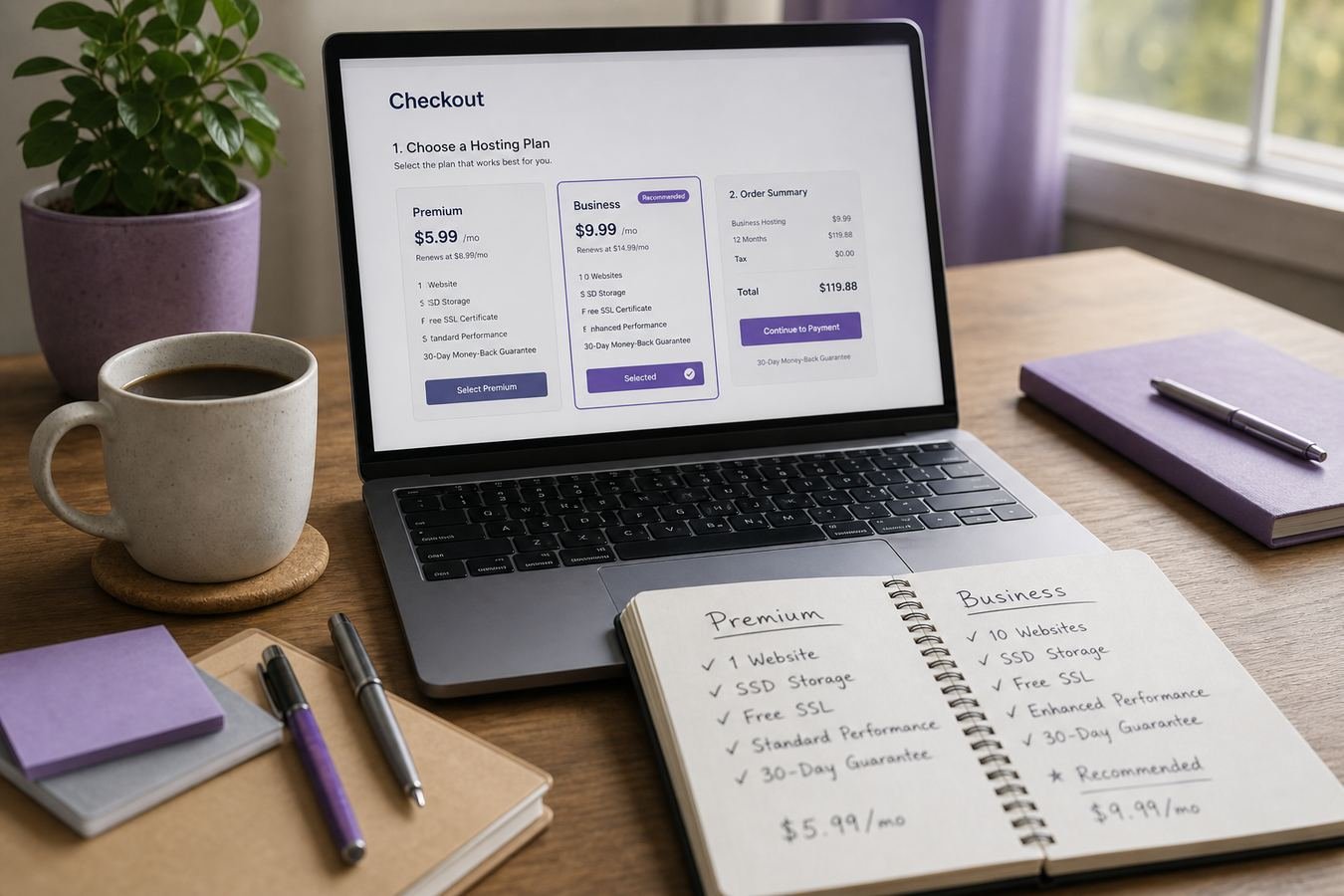
For most beginners and small sites, Premium covers what you actually need without paying for unused headroom.
When Business is worth buying for growing WordPress sites
Business earns its higher price once your site's actual usage justifies the extra capacity. A clear signal is consistent, growing traffic that pushes closer to Premium's resource ceiling, visible either through slower load times during peak hours or through resource warnings inside hPanel itself.
An early stage WooCommerce store is another strong case for Business. Order data, customer records, and product catalogs are exactly the kind of content where daily backups matter more than weekly ones, since losing a week of orders is a far bigger problem than losing a week of blog drafts. If you are actively taking payments, that risk difference alone often justifies the upgrade.
Agencies and freelancers managing several client WordPress installs under one account also benefit from Business, particularly as the number of active sites grows past a handful. More storage headroom means less juggling of media libraries across sites, and daily backups reduce the operational risk of managing multiple client properties on shared infrastructure.
Upgrading from Premium to Business inside the same account is normally straightforward, preserving your existing domains, WordPress installs, and settings while the resource increase happens in the background. That makes waiting until the need is real, rather than paying for Business speculatively, a reasonable default strategy for most growing sites.
When the usage numbers do justify it, you can upgrade to Hostinger Business directly from your existing account dashboard without a separate signup process.
Upgrading to Business once traffic and storage needs actually grow is smoother than committing early on guesswork.
Common Premium vs Business mistakes before checkout
The most common mistake is buying Business purely because it sounds more capable, without checking whether the current site would ever use the extra storage or the daily backup cadence. Paying more for headroom that sits unused for a year or longer is not a safety net, it is an avoidable expense.
The opposite mistake also happens: buying Premium for a site that is already handling real order volume or heavy daily traffic, purely to save a modest amount per month, and then dealing with slower performance or a thinner backup window right when it matters most. Matching the plan to current, not hoped for, usage avoids both of these traps.
A third mistake is ignoring the renewal price on either plan and focusing only on the discounted intro total. Business renews at a higher rate than Premium, and both renew higher than their own intro pricing, so the gap between the two plans can shift once the promo term ends. Check the renewal figure for whichever plan you are actually choosing before you commit.
A fourth mistake is assuming free domain or email automatically applies regardless of term length. Both extras are typically tied to eligible annual terms on either plan, not to every billing length, so confirm eligibility on the order summary for your specific selection rather than assuming it carries over from a shorter term.
Who should buy Premium and who should buy Business
Buy Premium if you are launching a first blog, portfolio, or small business site, want free domain and email eligibility, and do not currently have traffic or storage needs that stretch a standard shared hosting allowance. Buy Premium if you are a freelancer who needs your own site plus a couple of demo pages under one login and one renewal date.
Buy Business if you are running an active WooCommerce store, a content site with a large and growing media library, or several client WordPress installs where daily backups genuinely lower your operational risk. Buy Business if your Premium resource usage has already climbed close to its ceiling and you are seeing performance dips during traffic spikes.
If you are still undecided, default to Premium. It is easier and cheaper to upgrade later once your usage data proves you need more, than to pay for Business capacity for months while your site is still small. Reviewing WordPress hosting plans side by side one more time before checkout is a reasonable final step if any doubt remains.
Whichever tier you land on, the decision should be reversible without much friction. Hostinger's account structure is built so that moving between Premium and Business does not require rebuilding your site from scratch, which takes most of the pressure off getting this call perfectly right on the first try.
Hostinger Premium vs Business pros and cons
Neither plan is objectively better in every situation, so here is a direct breakdown of where each one holds up and where it falls short, so you can weigh the tradeoffs against your own site rather than a generic recommendation.
Premium pros
- Lower entry price than Business at matching billing terms
- Free domain and email eligibility on qualifying annual terms
- Supports multiple websites on a single account
- Weekly backups cover most blogs and portfolios adequately
- Comfortable resource allowance for moderate traffic sites
Premium cons
- Lower storage and resource ceiling than Business
- Weekly backups leave a wider data loss window
- Less suited to stores or high traffic content sites
Business pros
- Higher storage and resource headroom for growing sites
- Daily backups reduce potential data loss significantly
- Well suited to early WooCommerce stores and agencies
- Same free domain, email, and SSL eligibility as Premium
Business cons
- Higher base price and renewal rate than Premium
- Extra headroom goes unused on a small, low traffic site
- Not necessary for most first time WordPress projects
Hostinger Premium vs Business FAQ
These are the most common questions buyers ask while deciding between Premium and Business. For a broader feature by feature breakdown of the full lineup, see our Hostinger WordPress hosting review.
Which is better, Hostinger Premium or Business, for a first WordPress site?
For a first WordPress site, Premium is usually the better starting point. It covers multiple websites, free domain and email eligibility on annual terms, and weekly backups at a lower entry price than Business, which most beginners do not immediately need.
What is the main difference between Hostinger Premium and Business?
The main difference is resource headroom and backup frequency. Business generally offers more storage capacity and daily backups, while Premium offers weekly backups and a lower price, with both plans supporting multiple websites and free SSL.
Does Hostinger Business include more storage than Premium?
Yes, Business typically includes more storage and resource allowance than Premium, which matters for sites with larger media libraries, more plugins, or higher visitor volume. Always confirm the exact current storage figures on the live plan page before buying.
Is Hostinger Business worth the extra cost for a small blog?
For most small blogs with modest traffic, Business is not required yet. Premium usually covers a small blog comfortably, and upgrading later once traffic or storage needs actually increase is a normal and simple path within the same account.
Do both Premium and Business include a free domain?
A free domain for the first year is commonly available on eligible annual terms for both Premium and Business, not on every billing length. Check the order summary at checkout to confirm your specific term qualifies before you pay.
Can I upgrade from Premium to Business later without losing my site?
Yes. Upgrading from Premium to Business within the same Hostinger account typically preserves your existing WordPress installs, domains, and settings, with the resource increase handled in the background rather than requiring a fresh setup.
Which plan has better backup coverage, Premium or Business?
Business generally has stronger backup coverage with daily backups, while Premium typically runs on a weekly backup schedule. If your site changes content frequently or handles orders, the daily coverage on Business reduces potential data loss risk.
Will my Hostinger Premium or Business price increase at renewal?
Yes. Both plans renew at a standard rate higher than the discounted intro price on your first term. The exact renewal amount is shown on the checkout order summary before you pay, so review it there rather than assuming the intro rate repeats.
Is Hostinger Business good for WooCommerce stores?
Business works well for an early stage WooCommerce store thanks to the extra storage and daily backups. Larger stores with heavy catalogs and high order volume may eventually need a higher tier or dedicated commerce plan for extra resources.
Final verdict: which WordPress hosting plan to buy
After comparing what each plan actually includes, the verdict is straightforward for most buyers. If you are starting a new blog, portfolio, or small business site and want a lower entry price with free domain and email eligibility, Hostinger Premium is the more sensible plan to buy WordPress hosting on today. It covers the vast majority of first time and small scale projects without asking you to pay for capacity you will not use.
If your site already has real traffic, an active WooCommerce store, or several client installs where daily backups genuinely matter, Hostinger Business is worth the higher price, because the extra storage headroom and backup frequency directly address risks a growing site actually faces. That is a decision based on current usage, not on chasing the plan with the bigger number attached to it.
Whichever tier fits your project, confirm the live price and renewal rate at checkout, since both change over time and neither plan's intro pricing lasts forever. If you want current promo pricing before you buy, our guide to Hostinger coupon and discount codes covers exactly how that works, and our homepage has more on best WordPress hosting options if you want a wider comparison first.
For nearly everyone comparing these two tiers, the honest answer is to buy based on what your site needs this month, not what it might need someday. Start on the plan that matches today's reality, and treat the upgrade path as the safety net it is designed to be.