Hostinger AI Website Builder vs WordPress Hosting: Core Difference Explained
Hostinger AI Website Builder vs WordPress Hosting is not a speed contest alone. It is a product path decision. The AI builder sells a guided site you edit inside Hostinger tools. WordPress hosting sells a full WordPress install you control with themes, plugins, and your own growth plan.
Both paths can launch a live site with SSL and a custom domain. They diverge the moment you need SEO plugins, a blog archive, WooCommerce, or custom code. The builder keeps the stack simple. WordPress opens the full plugin library and update workflow.
Buyers who treat them as the same checkout often regret the choice within months. A brochure site that never changes fits the builder. A content or store site that will grow usually belongs on WordPress hosting from day one.
Before you compare tiles, write one sentence about your site in twelve months. Blog, store, or static pages only. That sentence picks the path faster than any feature table. For plan limits on the WordPress side, the Hostinger WordPress hosting review covers Premium and Business daily use.
Keep that twelve month sentence next to your checkout tabs. Brochure only points to the builder. Regular publishing, SEO plugins, or a store points to WordPress hosting before you pay.
When you are ready to see both products on one screen, open Hostinger AI builder and WordPress hosting offers and note plan name, term, and renewal line for each path before you choose.
Write both renewal lines on paper or a notes app. Equal billing terms make the builder versus WordPress hosting comparison fair, and they stop you from mistaking a long prepaid teaser for a cheaper product forever.
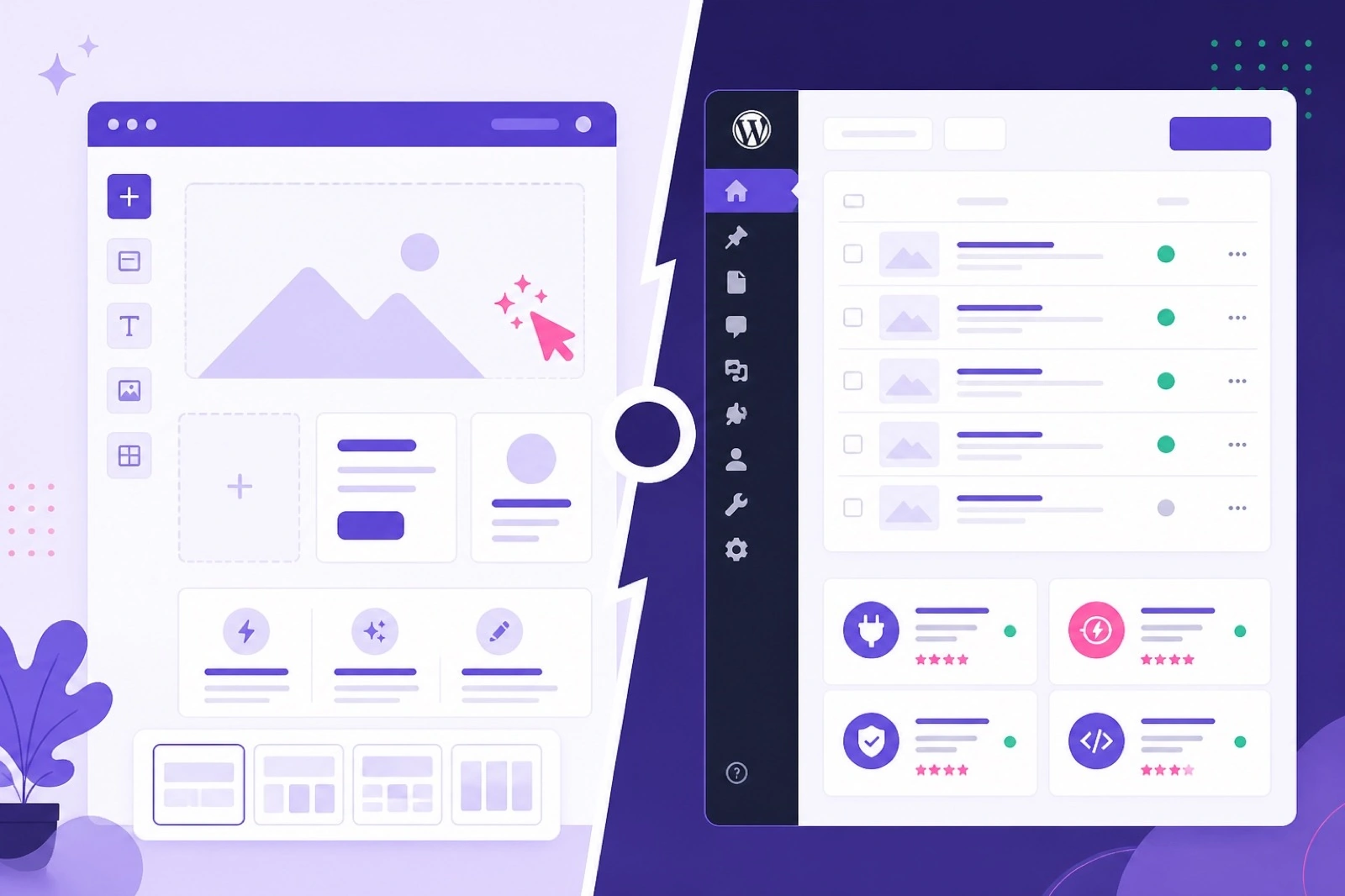
Pick the path that matches how your site will grow, not only which checkout tile loads faster today.
Who Should Buy Hostinger AI Website Builder
Who should buy Hostinger AI website builder includes owners who want a clean brochure site live this week without learning WordPress admin. Local services, freelancers, consultants, and single location shops often fit when pages stay mostly static.
The builder path rewards buyers who dislike plugin updates and theme tweaks. You edit sections in a visual canvas. Hostinger handles much of the underlying stack. That trade removes flexibility in exchange for fewer moving parts on day one.
AI assisted layout and copy suggestions can shrink the blank page problem. If your goal is five core pages, contact form, and a map block, the builder can finish faster than installing WordPress, picking a theme, and wiring plugins.
Buy the builder when you accept that advanced SEO tuning, custom post types, and store plugins are not on the roadmap for the next year. Speed and simplicity are the product.
If that profile matches your launch, start Hostinger AI website builder checkout, confirm renewal on the order summary, and publish a homepage the same day you pay.
Who Should Buy WordPress Hosting Instead of the AI Builder
Who should buy WordPress hosting instead of the AI builder includes anyone building a blog, ranking pages in search, or planning WooCommerce within the next year. WordPress is the default when content volume and plugin choice matter more than drag and drop speed.
Creators who publish weekly posts need categories, tags, media libraries, and SEO plugins WordPress handles natively. The builder can host a blog block, but it rarely matches the control Rank Math, Yoast, or similar tools give on WordPress hosting.
Store owners should skip the builder path entirely. Product catalogs, cart flows, tax plugins, and payment gateways live in the WordPress ecosystem. Premium or Business WordPress hosting plus WooCommerce is the standard stack for a reason.
If migration from another WordPress host is likely, buy WordPress hosting now. Rebuilding on the builder and moving again later wastes time and often breaks URLs you already rank for.
When blogs, SEO plugins, or stores are already on your roadmap, buy WordPress hosting on Hostinger on Premium or Business, install WordPress the same week, and map plugins before design polish.
Hostinger AI Builder vs WordPress Features Side by Side
Hostinger AI builder vs WordPress features side by side starts with editing model. The builder uses section blocks inside Hostinger canvas tools. WordPress uses the block editor plus thousands of themes and plugins you install yourself.
Themes on WordPress hosting are interchangeable. You can switch designs, add page builders, or run lightweight themes for speed. The AI builder ships with template families tied to the product. Deep restyling beyond offered options is limited.
Plugins are the largest gap. WordPress hosting gives you access to SEO, cache, forms, membership, and store extensions from the plugin directory and paid vendors. The builder includes built in widgets and integrations but not an open plugin market.
Backups and staging differ by WordPress plan tier. Business WordPress hosting often adds stronger backup and testing options than entry paths. Builder backups follow the website builder product rules shown on checkout.
Email, analytics, and chat widgets can appear on both paths. WordPress usually wins when you need a specific plugin version or consent tool the builder does not list.
Use the table below as a decision filter, then confirm live limits on Hostinger plan comparison checkout because feature rows can change by region and term.
Treat the table as a filter only. Live checkout still decides whether backups, staging style tools, and free domain lines appear on the WordPress tier you actually need.
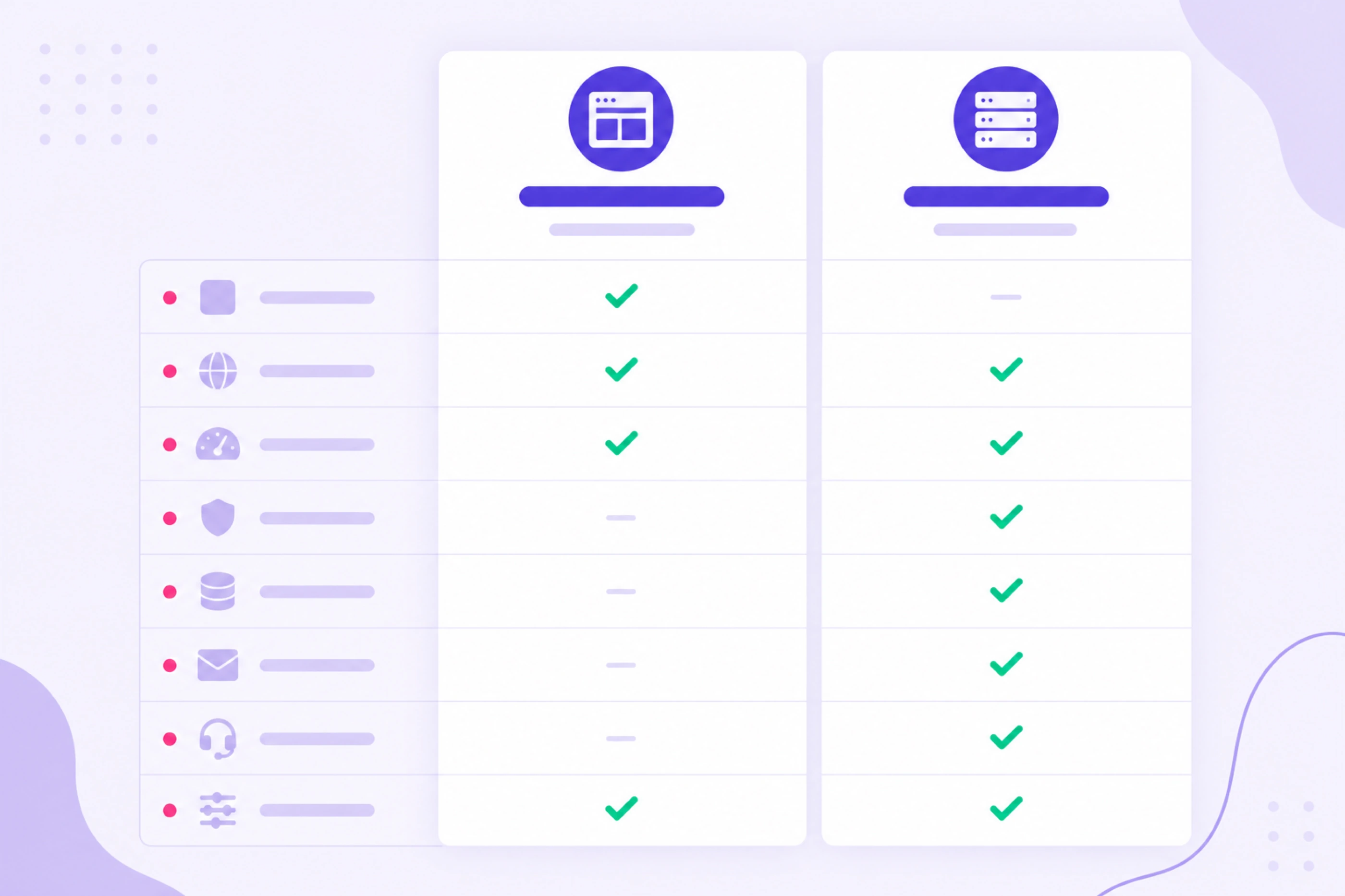
Match editing style and plugin needs first, then compare equal billing terms on checkout.
| Feature area | AI Website Builder | Best for growth WordPress Hosting |
|---|---|---|
| Editing | Visual sections, AI assist | Full block editor plus themes |
| Plugins | Built in tools only | Full WordPress plugin library |
| Blog depth | Basic blog blocks | Categories, tags, archives, SEO plugins |
| WooCommerce | Not the primary path | Native store stack |
| Launch speed | Faster for simple sites | More setup, more control |
| Best buyer | Brochure, local service | Blog, SEO, store, agency |
Exact limits change. Confirm on live Hostinger checkout for your country and billing term.
SEO and Content Control: AI Builder vs WordPress Hosting
SEO and content control on AI builder vs WordPress hosting favors WordPress when rankings are part of the business model. WordPress plugins handle titles, meta descriptions, schema, redirects, and internal linking at a depth the builder rarely matches.
The AI builder covers page titles, basic meta fields, and mobile layout. That is enough for a simple local presence. It is thin when you compete on informational keywords, publish long guides, or run content clusters across dozens of URLs.
URL structure also differs. WordPress gives you permalinks, category bases, and redirect plugins when you rename slugs. Builder URL rules are simpler and less flexible when you reorganize services or locations later.
If organic search is a primary channel, WordPress hosting is the safer buy even when the builder launches faster. Saving two days at setup can cost months of limited SEO tooling.
New WordPress owners can follow how to install WordPress on Hostinger to pair the right plan with SEO plugin setup in the first session.
Pricing and Renewal for AI Builder vs WordPress Hosting
Pricing and renewal for AI builder vs WordPress hosting must be read on separate checkout paths. Marketing tiles often show a monthly equivalent for the first term only. Renewal lines on the order summary decide whether either path stays affordable in year two.
Intro rates can look close between builder bundles and WordPress Premium on the same term length. Do not pick from the teaser alone. Write total due today and renewal price for each product on matching months before payment.
WordPress Business renews higher than Premium when you need extra resources. The builder has its own plan ladder that may not align with Premium or Business naming. Compare product to product, not assumed equivalents.
Free domain eligibility can shift first year math on qualifying annual WordPress terms. Builder bundles may show different domain lines. Screenshot each path so year two includes domain renewal plus hosting renewal together.
Short terms reduce upfront lock in for experiments. Long terms lower the first term monthly equivalent when the site will stay live. Apply the same term length when comparing builder and WordPress quotes or you create fake winners.
Budget focused buyers should scan cheap WordPress hosting on Hostinger for promo versus renewal notes, then apply the same term length when comparing builder and WordPress quotes.
When both renewal lines fit your monthly budget, compare Hostinger AI builder and WordPress pricing on equal terms and keep screenshots with your domain name.
Hostinger Premium vs Business When You Choose WordPress
Hostinger Premium vs Business when you choose WordPress is a fit question before discount depth. Premium covers most blogs, service sites, and small catalogs with multiple websites and common free domain eligibility on qualifying annual terms.
Business adds headroom when daily backups, staging style testing, or heavier traffic already matter. A quiet brochure WordPress site rarely needs Business on day one just because the promo badge looks larger.
If you skipped the builder because WooCommerce is on the roadmap, Premium can start the store when traffic is modest. Move to Business when backup rules, staging, or resource graphs in hPanel show sustained load.
The detailed tier breakdown lives in Hostinger Premium vs Business when you need storage, backup, and staging rows beside renewal math.
Write your tier pick in one line: site count, backup need, store yes or no, renewal affordable yes or no. That note beats impulse upgrades mid cart.
When WordPress is the path and Premium fits your note, choose Hostinger Premium WordPress hosting on the same billing term you used for Business quotes.
Checkout Steps to Compare AI Builder and WordPress Offers
Checkout steps to compare AI builder and WordPress offers should follow the same sequence twice so promo and renewal lines stay honest across products.
- Open a current Hostinger offer for the AI website builder path.
- Select plan and billing term, then write total due today and renewal price.
- Screenshot the order summary with product name visible.
- Open WordPress hosting checkout on the same term length.
- Compare Premium and Business with the same domain and SSL lines.
- Write renewal for the WordPress tier that matches your site goal.
- Pick the path that fits growth, not only the lower first term teaser.
- Complete payment on the chosen product and publish a first page the same week.
Do not mix currencies or terms between tabs. A 48 month builder quote is not comparable to a 12 month WordPress quote without adjusting the math.
After payment, builder buyers publish from the builder dashboard. WordPress buyers install WordPress in hPanel, set HTTPS, then add theme and plugins before sharing the URL publicly.
Walk both carts side by side on Hostinger WordPress hosting checkout and the builder offer until one path clearly matches your twelve month site sentence.
Keep the product name visible in each screenshot. Mixing builder and WordPress hosting tiles from different terms is the fastest way to pick the wrong Hostinger checkout path.
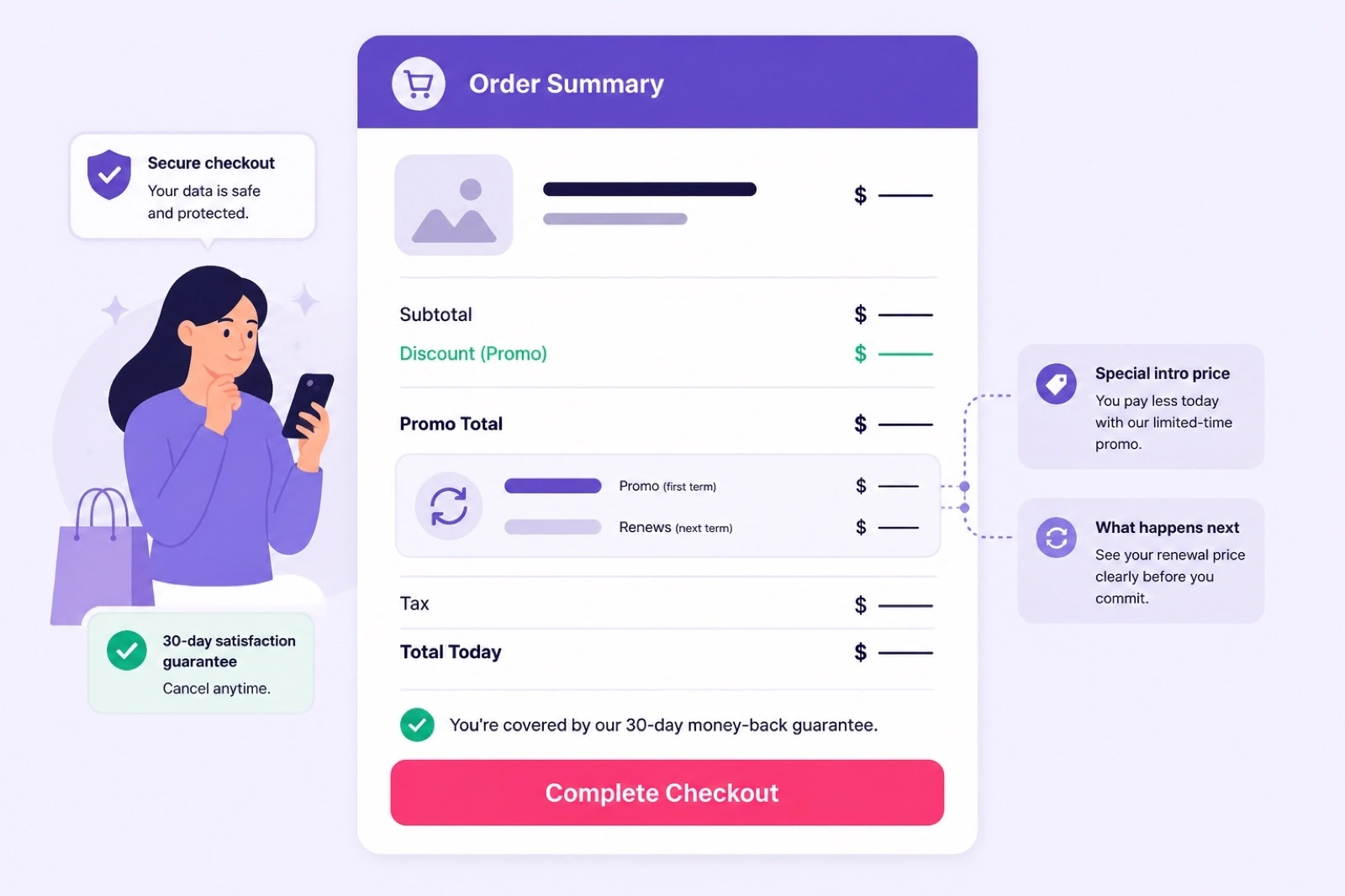
Confirm promo total, product name, and renewal price on the order summary before you pay.
Common Mistakes Buying AI Builder When You Need WordPress
Common mistakes buying AI builder when you need WordPress start with chasing launch speed over growth plan. A site live in one afternoon still fails when you need SEO plugins, member areas, or a store two months later.
Another mistake is assuming you can add WooCommerce inside the builder later. Store logic belongs on WordPress hosting from the start when products and checkout are already on the roadmap.
Buyers also pick the builder because the first term teaser looks lower without reading renewal on the same screen. Affordable year one with a heavy renewal still hurts a blog you plan to keep for years.
Treating both products as interchangeable hosting is the root error. They are different editors, different limits, and different migration paths. Label your choice in writing before card details.
If your note mentions weekly posts, Rank Math, or WooCommerce, skip the builder and launch WordPress website hosting on Premium or Business with renewal you can afford.
Can You Switch From Hostinger AI Builder to WordPress Later
Can you switch from Hostinger AI builder to WordPress later is a yes with real work attached. You can buy WordPress hosting, install a fresh site, and rebuild pages manually. There is no universal one click export that recreates every builder section inside WordPress themes.
URLs may change when slug patterns differ. Redirect planning becomes mandatory if any builder page already indexed in search. Treat a switch as a small migration project with a checklist and downtime window.
Copy, images, and form logic must move by hand or through custom import steps. Blog posts in the builder do not automatically become WordPress posts with categories and SEO meta intact.
Domain pointing can stay on the same registrar. Repoint DNS when the WordPress site is ready and do not delete the builder site until redirects are tested.
If you already suspect WordPress is the end state, buying WordPress hosting first avoids duplicate spend and rebuild labor. The builder saves time only when the simple site truly stays simple.
When migration is inevitable, buy Hostinger WordPress hosting on a term that covers rebuild weeks, install WordPress, then map old URLs before you cut over traffic.
Best Hostinger Plan Picks by Site Type
Best Hostinger plan picks by site type keep the product path and tier aligned with how the site earns traffic or revenue.
Local service brochure with five pages and a contact form: AI website builder when you will not blog weekly and do not need store plugins. Launch fast, keep edits inside builder tools.
Freelancer portfolio with case studies updated monthly: WordPress Premium with a lightweight theme and a forms plugin. You gain SEO control without Business renewal on day one.
Content blog or niche site publishing three or more posts per month: WordPress Premium with an SEO plugin and cache plugin. Categories and internal linking matter more than builder simplicity.
Small WooCommerce store with under one hundred SKUs at launch: WordPress Premium first, Business when backups, staging, or traffic graphs justify the step up. Do not start on the builder path.
Agency client site with staging and multiple environments: WordPress Business when renewal fits and staging style testing is already in the statement of work.
More plan comparisons sit in the wordpress hosting hub when you want a wider shortlist before locking builder versus WordPress.
Use that shortlist only after your site type row is clear. Brochure stays on the builder. Blog, store, or plugin heavy launches stay on WordPress hosting tiers.
When your site type row points to WordPress, get WordPress hosting on Hostinger on the tier and term that match the table above.
Free Domain and SSL Notes for Each Path
Free domain and SSL notes for each path belong in the same screenshot folder as promo and renewal. Free SSL is commonly included on both builder and WordPress hosting orders, so HTTPS should not require a separate certificate purchase on standard plans.
Free domain eligibility is narrower and product specific. Qualifying annual WordPress Premium or Business terms often show a first year domain line on checkout. Builder bundles may use different domain rules and TLD lists.
Connecting a domain you already own works on both paths. Point DNS or use Hostinger nameservers as hPanel instructs after payment. SSL provisioning still needs a live host answer on the domain before browsers show the padlock.
Domain renewal after any free first year is a separate bill. Budget hosting renewal and domain renewal together for year two so neither path surprises you.
When free domain eligibility affects your choice, claim Hostinger offer pricing on the path that shows the domain line you expect, then verify SSL after DNS propagates.
Hostinger AI Builder vs WordPress Hosting FAQ
These answers cover the builder versus WordPress hosting questions buyers ask most often before picking a Hostinger checkout path. Keep Hostinger WordPress hosting plans open while you match each answer to live product pages.
Is Hostinger AI website builder the same as WordPress hosting?
No. The AI website builder is a guided drag and drop path with built in templates and limited plugin freedom. WordPress hosting gives you a full WordPress install where you choose themes, plugins, and site structure yourself.
Who should buy Hostinger AI website builder instead of WordPress?
Buy the AI builder when you need a simple brochure site fast, you do not want to manage plugins, and you accept fewer SEO and ecommerce options. Service pages, portfolios, and one location businesses often fit this path.
When is WordPress hosting the better Hostinger purchase?
Choose WordPress hosting when you plan to blog regularly, need SEO plugins like Rank Math or Yoast, may add WooCommerce later, or want full control over themes and custom code. Premium or Business covers most of those launches.
Can I move from Hostinger AI builder to WordPress later?
You can start fresh on WordPress hosting and rebuild pages, but there is no one click full migration from the AI builder stack to a classic WordPress install. Plan the switch as a new site project with new URLs and content copy work.
Which is cheaper: Hostinger AI builder or WordPress hosting?
Intro pricing can look similar on checkout, but renewal lines differ by product and term. Compare total due today and renewal price for the same billing length on both paths before you pay. Do not assume the builder is always cheaper long term.
Does Hostinger AI website builder support WooCommerce?
The AI builder path is not built for full WooCommerce control. If you expect product catalogs, payment gateways, and store plugins, buy WordPress hosting on Premium or Business instead and install WooCommerce inside WordPress.
Is SEO better on WordPress hosting than the AI builder?
WordPress hosting usually wins for SEO depth because you can add dedicated SEO plugins, custom schema, redirect tools, and content workflows. The AI builder covers basics but limits advanced tuning that competitive blogs and stores often need.
Should I pick Hostinger Premium or Business for WordPress?
Premium fits most WordPress launches with multiple sites and common free domain eligibility on qualifying annual terms. Business is worth the higher renewal when you already need stronger backups, staging style testing, or heavier traffic headroom.
Do both paths include free SSL and domain options?
Free SSL is commonly included on both paths. Free domain eligibility depends on plan, product, and billing term shown on checkout. Read the order summary for each path separately because builder bundles and WordPress hosting bundles do not always match.
Final Verdict: Hostinger AI Builder vs WordPress Hosting
For Hostinger AI Website Builder vs WordPress Hosting, the winning purchase is the path that still fits twelve months from checkout. The builder wins when you want a simple brochure site fast and will not need plugin depth. WordPress hosting wins when blogs, SEO tooling, WooCommerce, or client handoffs are already on the roadmap.
Compare promo total and renewal on both products with equal billing terms before you pay. A lower first term teaser on the builder is not a bargain if you rebuild on WordPress later because store or SEO needs arrived early.
Premium is the default WordPress tier for most launches. Business waits for backups, staging, or traffic you can describe in one sentence. The builder stays correct only when that sentence stays static.
Free SSL is usually included on either path. Free domain lines still need a separate check on qualifying terms. Put domain renewal in the same year two budget as hosting renewal.
The unique rule for this decision is strict: buy the product you will still want after the first content or product launch, not the product that merely loads fastest today. Builder for simplicity, WordPress for control.
If you still want a wider host overview before paying, the best WordPress hosting homepage covers plan basics you can keep beside this builder versus WordPress checklist.
Use that overview as a plan map only. Your final buy still comes from matching the twelve month site sentence to either the AI builder path or a WordPress hosting tier with renewal you can keep.
When your note points to WordPress control and renewal fits, start WordPress hosting on Hostinger and install the same week. When the note stays brochure only, use the builder path and publish before you optimize design details.