Best Hostinger Tier for Multiple WordPress Sites
Web hosting for multiple WordPress sites on Hostinger usually lands on Premium, Business, or Cloud depending on how heavy those installs are together. Premium fits most freelancers and creators who need several light blogs or brochure sites on one account.
Business is the shared tier to buy when client risk, stronger backups, staging style testing, or concurrent traffic across sites matters more than the lowest monthly price. Cloud is the step when shared resource limits show up in hPanel or during peak campaigns.
Short answer: start Premium for light multi site portfolios. Move to Business when risk and load rise on shared hosting. Consider Cloud when several WordPress sites need dedicated CPU and RAM that shared tiers cannot guarantee.
This guide adds Cloud as the third option. If you only need Premium versus Business, our separate WordPress hosting for multiple websites comparison covers that two tier fork in more detail.
Keep that two tier article for later if Cloud is clearly out of scope. The sections below assume you want Premium, Business, and Cloud on one decision map.
Ready to compare all three live? Open Hostinger WordPress hosting and Cloud cards side by side, then use the checklist below before checkout.
Leave the plan page open while you read so website limits, backup notes, and renewal rows stay visible against your real site inventory.
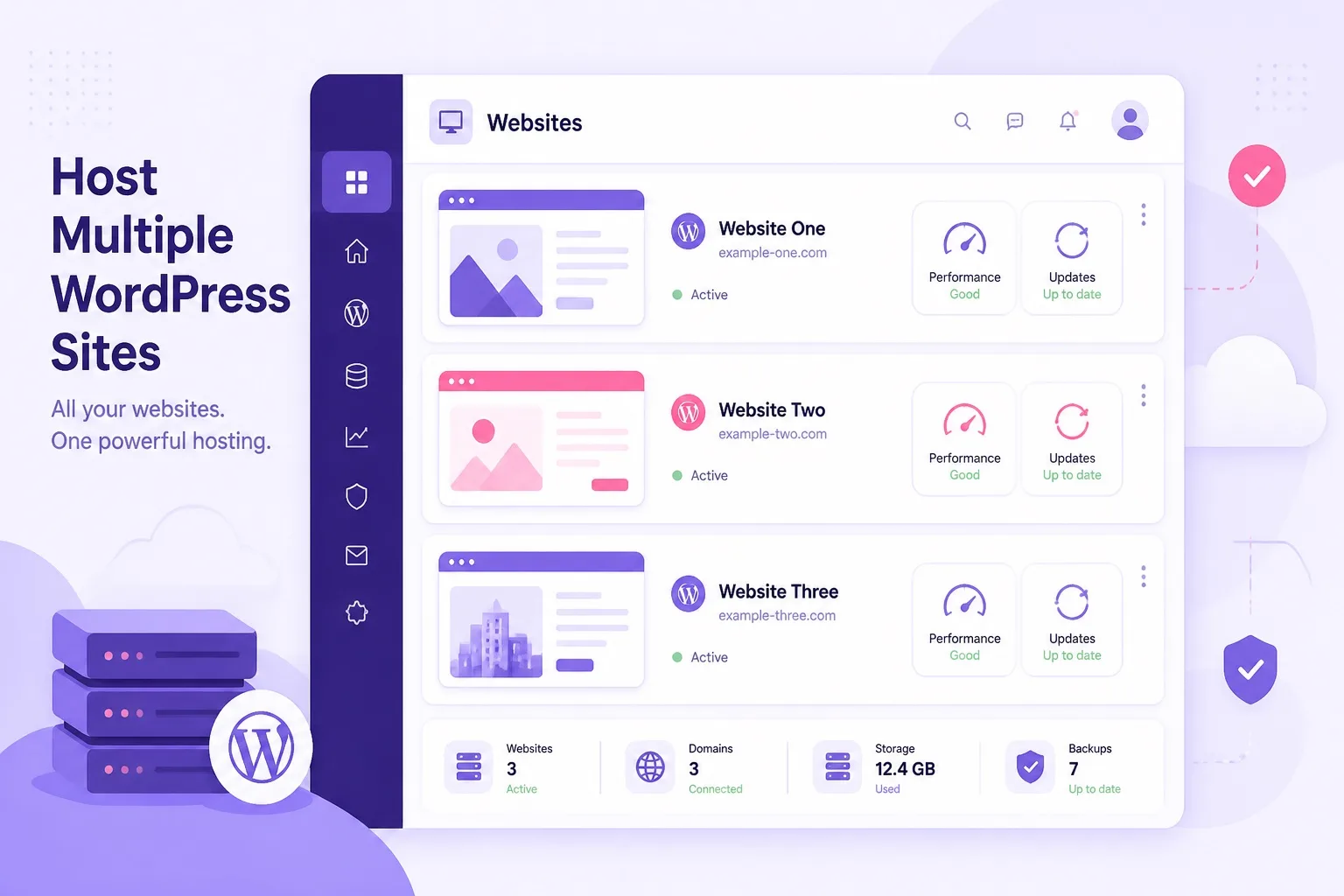
Three tiers, one decision: light shared Premium, safer shared Business, or dedicated Cloud when limits bite.
What Multiple WordPress Sites Need From Web Hosting
Multiple WordPress sites share one account bill, one hPanel login, and often the same resource pool on shared tiers. That convenience saves money until several installs compete for CPU, memory, and disk at the same time.
Every multi site portfolio needs room for more than one website, free SSL on each domain, reliable backups, and a clear upgrade path. WordPress hosting on Hostinger covers those basics on Premium and Business. Cloud adds dedicated resources when shared headroom runs out.
Experience note: buyers who count websites but ignore plugin weight make the wrong tier choice. Three page builder heavy client demos can stress shared hosting more than six text first blogs.
Multi site buyers also need honest renewal math. One renewal bill funds every project on the account. A portfolio with client sites should screenshot promo and standard renewal rates before paying for a long term.
For a wider product context before you pick a tier, read our Hostinger WordPress hosting review, then return here for the Premium, Business, and Cloud multi site filter.
That review covers product breadth. This page stays focused on matching multi site load to Premium, Business, or Cloud without overbuying dedicated resources too early.
When you are ready to see live limits, browse WordPress hosting plans and Cloud options on the same billing length you intend to buy.
Hostinger Premium for Multiple Light WordPress Sites
Hostinger Premium plan is the default buy for web hosting when multiple WordPress sites are light to moderate. Premium typically supports many websites on one account with one click installs, free SSL, and free domain eligibility on qualifying annual terms.
Premium works well when your portfolio is mostly blogs, portfolios, niche content sites, or client brochure pages with modest traffic. Shared resources still mean one busy site can slow neighbors on the same plan during spikes.
A practical Premium profile: one main brand site, one or two niche blogs, and a demo or landing page. Keep plugins lean, compress images, and delete unused installs monthly so storage and update attention stay manageable.
Expertise tip: label each install as production, demo, or archived in a simple spreadsheet. Multi site chaos starts when you forget which domain holds live client forms.
Premium is cheap WordPress hosting that scales in website count, not always in concurrent load. If every site stays quiet, Premium remains the best value tier for multi site beginners.
If Premium matches your site mix, buy Hostinger WordPress hosting on Premium and keep a written inventory of live versus archived installs.
Hostinger Business When Multi Site Risk Is Higher
Hostinger Business plan keeps multi site capability on shared WordPress hosting and raises the ceiling that matters when several active installs run together. Stronger backup frequency and staging style testing are the practical upgrades over Premium.
Business fits buyers who manage client sites with lead forms, frequent content edits, or WooCommerce experiments. Losing a week of changes across three client WordPress sites is a bigger risk than losing a week on one hobby blog.
Business is not automatic because you have four domains. Two quiet blogs and two empty demos do not need Business. Buy Business when risk, update frequency, or concurrent moderate traffic is already part of your workflow.
Agencies running several active client WordPress sites often feel Business earlier than solo creators. Client downtime costs more than the plan difference between Premium and Business on common annual terms.
For a deeper Premium versus Business feature walkthrough beyond multi site, see our Hostinger Premium vs Business guide after you finish this three tier comparison.
Use that deeper feature guide when backup and staging details still feel fuzzy. Come back here when the decision is which of three tiers to buy for your site list.
When Business matches your risk story, choose Hostinger plan Business and document which client sites are production versus staging.
Hostinger Cloud When Shared Limits Stop Fitting
Hostinger Cloud hosting is a separate product line from shared WordPress Premium and Business. Cloud plans sit on cloud infrastructure with dedicated CPU and RAM allocations that shared tiers cannot match under sustained load.
Cloud makes sense for multiple WordPress sites when hPanel shows resource warnings, admin feels slow across installs during campaigns, or several sites with real traffic run on one account. Shared Premium and Business share a pool. Cloud gives your account its own resource floor.
Cloud Startup, Professional, and Enterprise tiers scale upward in power. Multi site buyers usually evaluate Cloud when Business is already tight and the portfolio still grows. You still install WordPress on Cloud, but you are buying infrastructure headroom, not just more website slots.
Experience detail: freelancers who jump to Cloud too early pay for capacity they never use. Freelancers who stay on shared too long fight slow wp-admin during client launch weeks. Watch usage for one billing cycle before upgrading.
To understand how Cloud differs from managed WordPress hosting in general, read cloud hosting vs WordPress hosting on this site, then map those ideas to your site count.
That comparison explains product families. This page decides which Hostinger tier funds your multi site WordPress list without guessing from marketing tiles alone.
When shared limits are already visible, compare live Hostinger Cloud hosting tiers against your heaviest WordPress installs before the next traffic spike.
Premium vs Business vs Cloud Comparison Table
Use this three way view when web hosting for multiple WordPress sites is the search and you need Premium, Business, and Cloud in one frame. Confirm exact numbers on live Hostinger cards before checkout.
| Multi site factor | Premium | Safer shared Business | Cloud |
|---|---|---|---|
| Product type | Shared WordPress hosting | Shared WordPress hosting | Cloud infrastructure hosting |
| Multiple WordPress sites | Yes on common plans | Yes on common plans | Yes, with dedicated resources |
| Best multi site profile | Light blogs and demos | Active client or busy shared sites | High traffic or resource heavy portfolios |
| Resource model | Shared pool across sites | Higher shared ceiling | Dedicated CPU and RAM floor |
| Backup strength | Weekly style on many setups | Stronger daily style coverage | Varies by Cloud tier, confirm live |
| Staging style testing | Limited on lower tiers | Better fit for safe updates | Manual or tool based, plan dependent |
| Typical entry price | Lowest shared tier | Mid shared tier | Higher than shared WordPress plans |
| Default multi site buy | Most start here | When shared risk rises | When shared limits bite under load |
Website limits, storage, backup rules, and Cloud specs can change. Verify them on the live order summary for each tier.
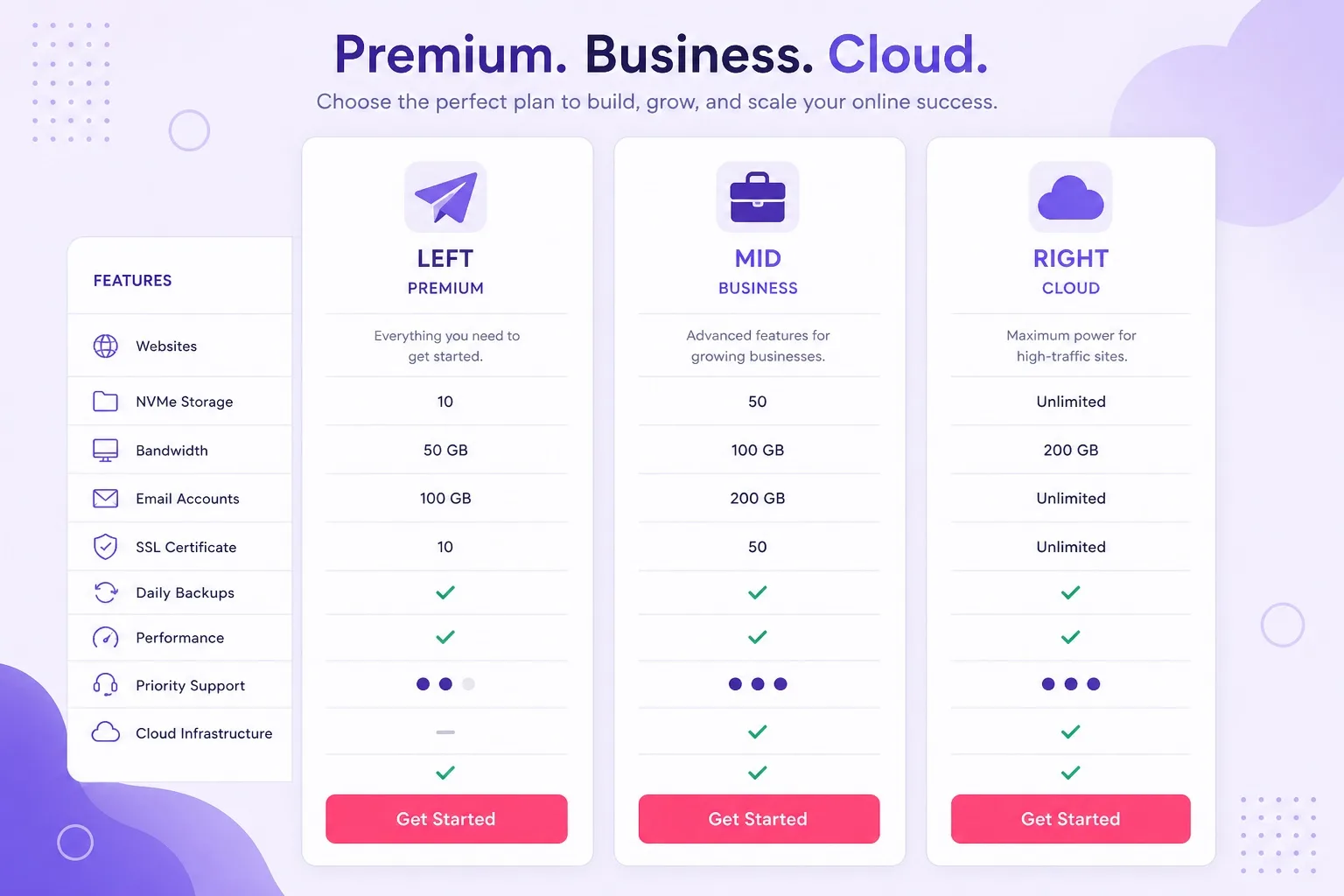
Premium and Business share resources. Cloud separates your account with dedicated power for heavier multi site workloads.
Keep this table beside live pricing. Website count is only the first filter. Workload, backup risk, and resource headroom decide whether you stay on shared or move to Cloud.
See current cards for Hostinger Premium plan, Business, and Cloud Startup on the same billing length before you lock in a long term.
Resource Sharing Reality Across Multiple WordPress Installs
On Premium and Business, every WordPress install draws from the same shared resource pool. CPU bursts, database queries, and cache misses on one site can affect load times on another during peak minutes.
Cloud reduces that neighbor effect because your account gets dedicated CPU and RAM allocations. Multiple WordPress sites on Cloud still share your Cloud plan resources, but they no longer compete with unrelated accounts on the same physical shared node.
Warning signs on shared tiers: slower wp-admin on several sites at once, backup jobs timing out, resource notices in hPanel, or TTFB spikes when two sites run ads or email campaigns the same day.
Practical habit: run a lightweight performance check on your heaviest site monthly. If one install alone maxes shared limits, adding three more sites on Premium is a mistake even if the plan allows the count.
Plugin discipline matters across every tier. Installing the same bloated page builder on five demos multiplies waste. Cloud gives headroom. It does not remove the need for lean WordPress stacks.
If resource warnings are already routine, shortlist Hostinger Business plan first, then Cloud if Business still feels tight after one busy month.
Pricing and Renewal Math Before You Buy
WordPress hosting pricing for Premium and Business follows intro promo rates on longer terms, then higher renewal rates. Cloud pricing starts higher and also renews at standard rates after the first term.
Multi site buyers should compare all three tiers on the same term length. A deep Premium discount looks attractive until Business renewal is only slightly higher and saves you a mid term upgrade when client risk is already obvious.
Cloud renewal math hurts more when you buy capacity you never use. Screenshot promo and WordPress hosting renewal price for Premium and Business, then compare Cloud Startup renewal before you pay for dedicated resources you might not need for six months.
Currency and regional pages can change tile prices. Compare tiers inside the same currency view you will actually pay in. One portfolio bill means one renewal surprise affects every site on the account.
Trust rule: intro rates are first term rates, not permanent prices. Budget renewal from day one, especially when client projects depend on that hosting account staying online.
Ready to check numbers? Start WordPress hosting checkout and open Cloud pricing in a second tab on the same term before you decide.
Who Should Buy Premium, Business, or Cloud
Buy Premium for multiple WordPress sites if you are a creator or freelancer with light to moderate sites and you accept shared resource limits on common setups. Premium is the best WordPress hosting value when traffic stays modest across the portfolio.
Buy Business for multiple WordPress sites if clients, leads, stores, or frequent updates raise the cost of downtime and data loss on shared hosting. Business is managed WordPress hosting with a safer shared ceiling than Premium.
Buy Cloud when several WordPress sites together need dedicated CPU and RAM, when shared tiers already show resource warnings, or when campaign traffic on multiple installs overlaps regularly.
Wait on any long term if your site list is still imaginary. Multi site web hosting is for real projects with a twelve month plan, not for buying Cloud capacity because it sounds advanced.
Browse more buying guides on the WordPress hosting blogs hub, then finish this Premium, Business, or Cloud call with your site inventory in hand.
Write site count, peak weeks, and backup needs on one note before you open checkout. Guessing from memory is how people buy Cloud they never use or Premium they outgrow in a month.
When your checklist points to a tier, buy WordPress hosting on that plan and install sites with a naming system you can manage later.
Who Should Skip Cloud (and Who Should Skip Premium)
Skip Cloud if your portfolio is mostly quiet blogs and brochure sites with no resource warnings on shared hosting. Cloud adds cost without benefit when Premium or Business already feels idle most weeks.
Skip Cloud if you have not tried Business yet and your only problem is backup frequency or staging. Business solves many multi site risk issues at a lower price than Cloud Startup on common terms.
Skip Premium if you already know several client sites with forms, stores, or heavy plugins will launch together. Starting on Premium and upgrading two weeks later wastes checkout attention during launch week.
Skip Premium if concurrent traffic is already real on an existing site and you are adding more WordPress installs to the same account. Business or Cloud is cleaner when the first site already strains shared limits.
Trust line: skipping a tier is not cheapness. It is matching infrastructure to workload. Overbuying Cloud early drains budget. Underbuying Premium on heavy portfolios creates client incidents.
Still unsure? Open cheap WordPress hosting Premium and Business cards first. Add Cloud only when shared tiers fail a real usage test, not a hypothetical one.
Checkout Checklist for Multi Site Web Hosting
Use this checklist at checkout so multi site intent becomes a clear Premium, Business, or Cloud decision instead of a guess driven by promo badges.
Step 1: List every WordPress site you will run in the next twelve months, including demos. Mark each as light, medium, or heavy by plugin stack and traffic expectation.
Step 2: Count how many sites hold client data, leads, or payments. If that count is more than one, bias toward Business unless shared resources already fail on your heaviest install.
Step 3: Check hPanel or your current host for resource warnings. If warnings exist today, shortlist Cloud alongside Business before you pay for another shared term.
Step 4: Decide whether staging style testing is required this quarter. If yes, Business usually fits better than Premium on shared WordPress hosting.
Step 5: Confirm website count allowance, free domain eligibility, and mailbox extras on the live order summary for the tier you selected.
Step 6: Write promo and renewal for the same term on Premium, Business, or Cloud. Pay only if the twelve month plan still makes sense after renewal math.
Experience note: the checklist takes ten minutes and prevents the most expensive mistake in multi site hosting, which is buying Cloud for light blogs or Premium for heavy client portfolios.
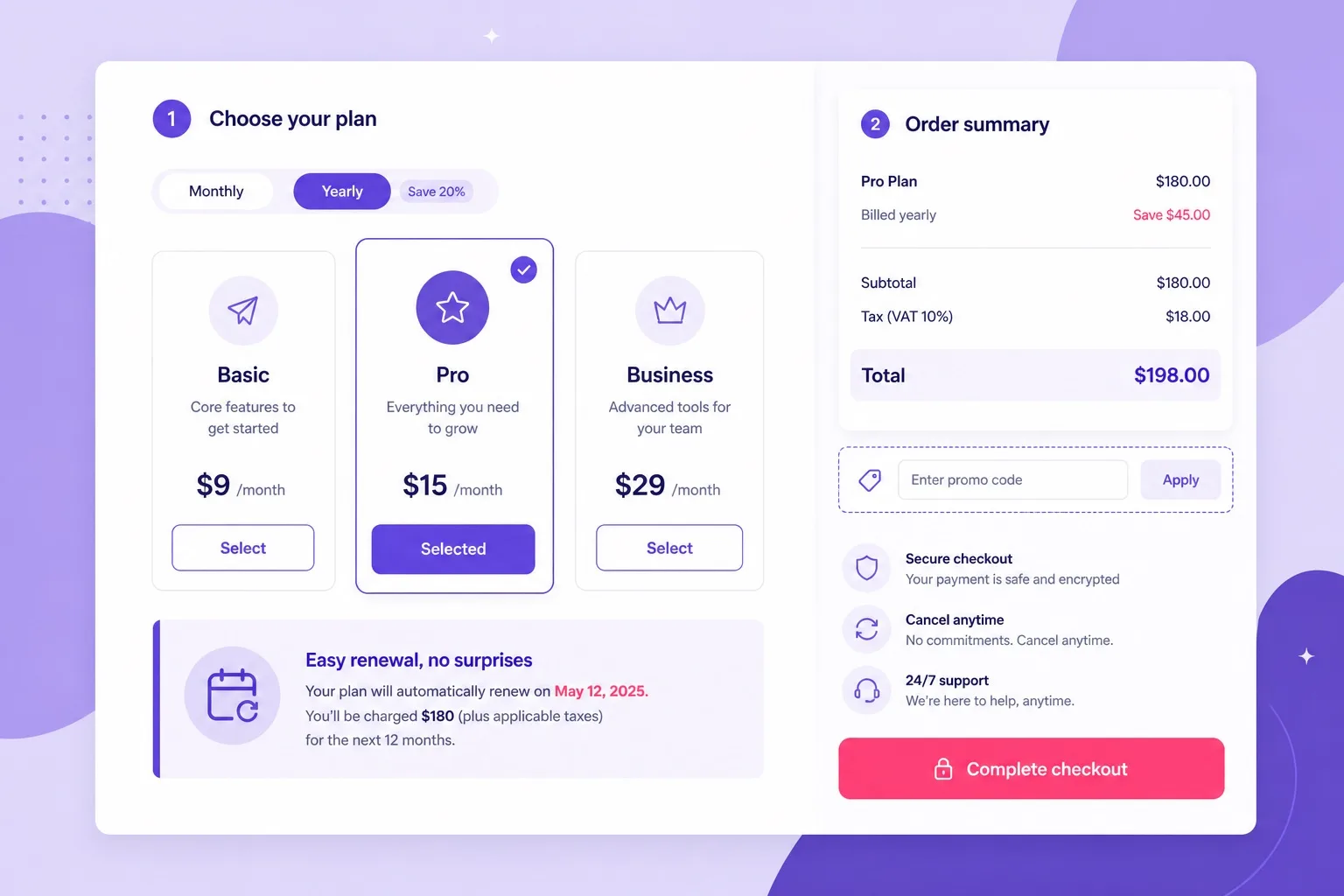
List your sites, risk level, and resource history before you trust a promo badge.
Keep your site inventory next to the order summary. Promo depth should never replace a clear tier reason tied to real workloads across every WordPress install.
When the checklist points to a tier, get WordPress hosting on that plan and document production versus demo labels from day one.
Common Mistakes When Hosting Many WordPress Sites
Mistake one: buying Single for two or more WordPress sites. Multi site intent belongs on Premium, Business, or Cloud from the first checkout, not on a one website entry plan.
Mistake two: assuming website count equals performance capacity. Ten empty WordPress installs can still be fine on Premium. Three heavy stores on the same shared account may not.
Mistake three: jumping to Cloud because the name sounds faster while every site is a quiet brochure page. Business or Premium likely fits until usage proves otherwise.
Mistake four: installing the same bloated plugin stack on every client demo. That multiplies resource waste across Premium, Business, and Cloud alike.
Mistake five: ignoring renewal because the first term looks cheap across many projects. One renewal bill funds the whole portfolio on whichever tier you chose.
Mistake six: skipping backups before bulk plugin updates across client sites. Multi site updates without a restore plan are avoidable risk on every tier.
Avoid those six, then open best WordPress hosting Hostinger plans with your site list beside the Premium, Business, and Cloud pricing table.
Upgrade Paths From Premium to Business to Cloud
If you already bought Premium for multiple WordPress sites, you can upgrade to Business inside the same Hostinger account when load or client risk rises. Domains and installs usually stay in place.
Upgrade from Business to Cloud when shared resource warnings return after optimization, or when campaign traffic on several sites overlaps and wp-admin stays slow for days.
Before any upgrade, take fresh backups of the most important sites. After upgrading, recheck SSL on every domain and confirm the new renewal date in billing.
Buying the right tier first is cleaner when triggers are already obvious at checkout. Upgrades work, but they cost attention during launch weeks you could spend on content and clients.
Ready to move up? Open managed WordPress hosting and Cloud plans together and target Business or Cloud as the upgrade destination based on resource history.
Free Domain, SSL, and Email Across Many Sites
Free SSL should cover sites on common Hostinger WordPress hosting and Cloud plans. Enable it per domain after each WordPress install so every public URL stays on HTTPS.
Free domain eligibility usually means one eligible domain on qualifying annual Premium or Business terms, not one free domain per website in the account. Cloud plans may follow different domain promo rules. Confirm on the order summary.
Email under each brand domain helps freelancers look professional across clients. Confirm mailbox extras on the plan you buy and track domain renewals separately from hosting renewals.
Multi site buyers should calendar both hosting and domain renewals. Missing a domain renewal takes down every email address on that brand even when WordPress hosting is paid.
When free domain is part of your first site launch, open launch WordPress website hosting annual Premium or Business terms and verify eligibility before payment.
FAQs: Premium, Business, and Cloud for Multi Site
Can Hostinger Premium host multiple WordPress sites?
Yes. Premium typically allows many WordPress websites on one account, which fits freelancers and creators running several light to moderate installs. Confirm the live website count on the plan card before you buy.
When should I choose Business over Premium for multiple WordPress sites?
Choose Business when client risk, stronger backup frequency, staging style testing, or concurrent traffic across several sites raises the cost of downtime. Premium remains the default for light multi site portfolios.
When does Cloud hosting make sense for multiple WordPress sites?
Cloud makes sense when shared Premium or Business resources no longer keep up under peak load, when several high traffic sites run together, or when dedicated CPU and RAM headroom matters more than the lowest monthly price.
Is Hostinger Cloud the same as WordPress hosting Premium or Business?
No. Cloud is a separate product line with dedicated resources on cloud infrastructure. Premium and Business are shared WordPress hosting tiers optimized for one click installs and lower entry pricing.
How many WordPress sites fit comfortably on shared Premium?
Comfort depends on workload, not count alone. A practical Premium profile is one main brand site plus two or three light blogs or brochure sites. Heavy plugins, stores, or traffic spikes push you toward Business or Cloud sooner.
Do Premium, Business, and Cloud all include free SSL for every site?
Free SSL is included on common Hostinger plans and applies across sites you host on the account. Enable SSL for each domain after install so every public URL stays on HTTPS.
Will multi site Hostinger pricing renew at the promo rate?
No. Promo pricing applies to the first billing term. Renewal uses the standard rate shown at checkout. Screenshot promo and renewal for Premium, Business, or Cloud before you pay.
Can I upgrade from Premium to Business or Cloud later?
Yes. You can upgrade inside the same Hostinger account when load or risk rises. Moving from shared WordPress hosting to Cloud may involve migration steps. Buying the right tier first still saves launch week attention.
Should agencies run many client WordPress sites on Cloud?
Agencies with several active client sites under concurrent traffic often outgrow shared tiers. Cloud gives dedicated resources that shared Premium and Business cannot match. Compare live tiers on Hostinger WordPress hosting promo pricing before checkout.
Final Verdict: Premium, Business, or Cloud
Web hosting for multiple WordPress sites on Hostinger is a three tier decision when you include Cloud alongside shared Premium and Business. Buy Premium when your portfolio is light to moderate and shared resources feel comfortable today.
Buy Business when client risk, staging, stronger backups, or concurrent shared load are already part of how you work. Consider Cloud when shared limits show up in hPanel or when several WordPress sites need dedicated CPU and RAM together.
Skip Single entirely for multi site intent. Skip Cloud until shared tiers fail a real usage test unless your heaviest site already maxes resources on day one.
Write down every live site, demo, and archive before you buy. Match that list to Premium, Business, or Cloud with promo and renewal prices on the same note so the multi site bill stays clear for year two.
Next step: compare all three tiers live, confirm website limits and renewals, then buy the plan that matches your twelve month portfolio, not only the deepest promo badge.
Take a screenshot of promo and renewal before you pay. Multi site accounts depend on that bill more than single site hobby projects do.
Want a broader host overview first? Visit the best WordPress hosting homepage, then return to checkout with Premium, Business, or Cloud decided.
Final trust line: multiple WordPress sites need the right tier, not the biggest name. Choose with workload and risk, then buy Hostinger web hosting with renewal math written down.
When ready, start WordPress hosting on the tier your checklist selected and revisit Business or Cloud only when usage proves the upgrade.